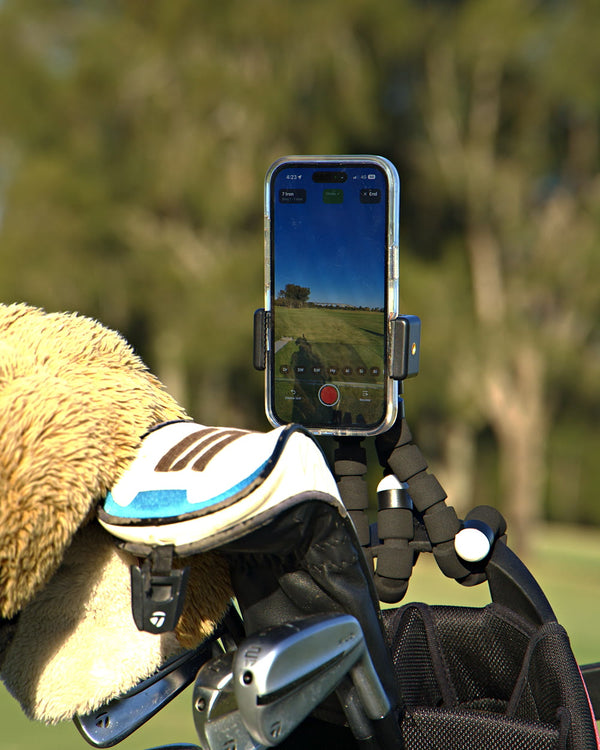
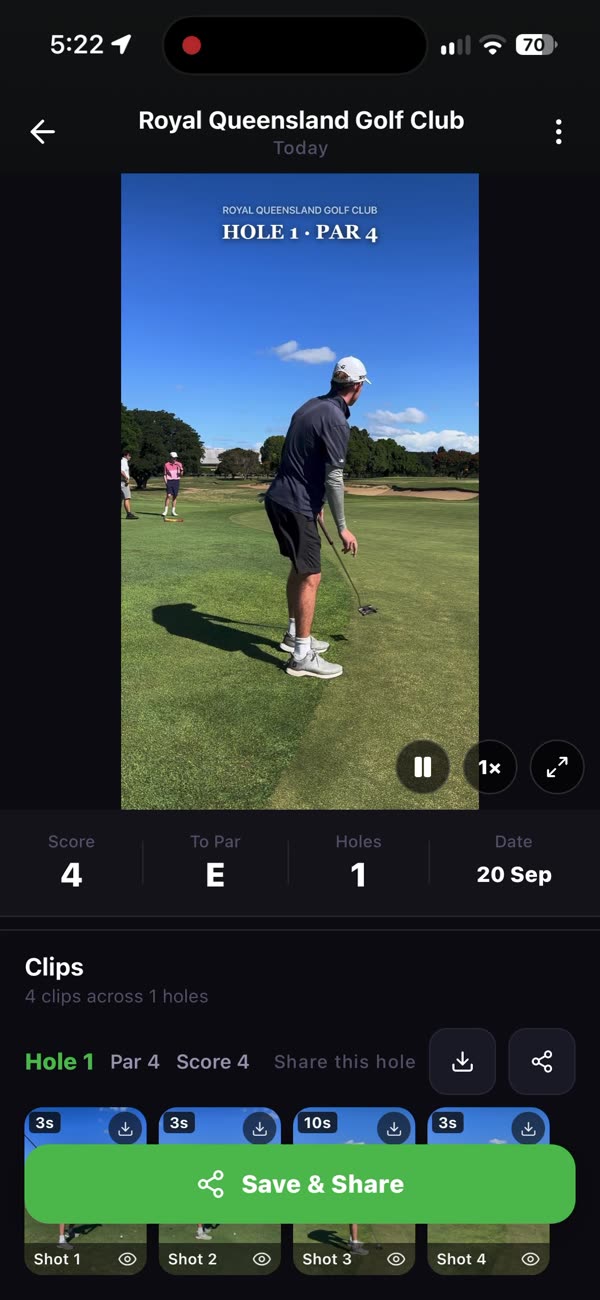
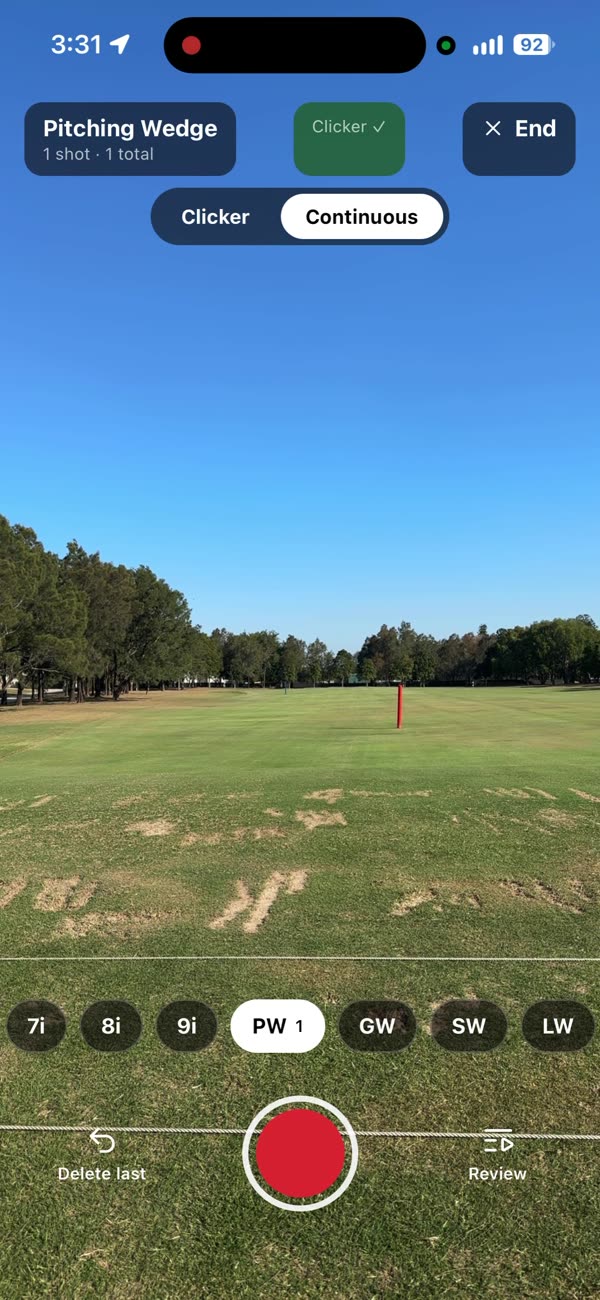
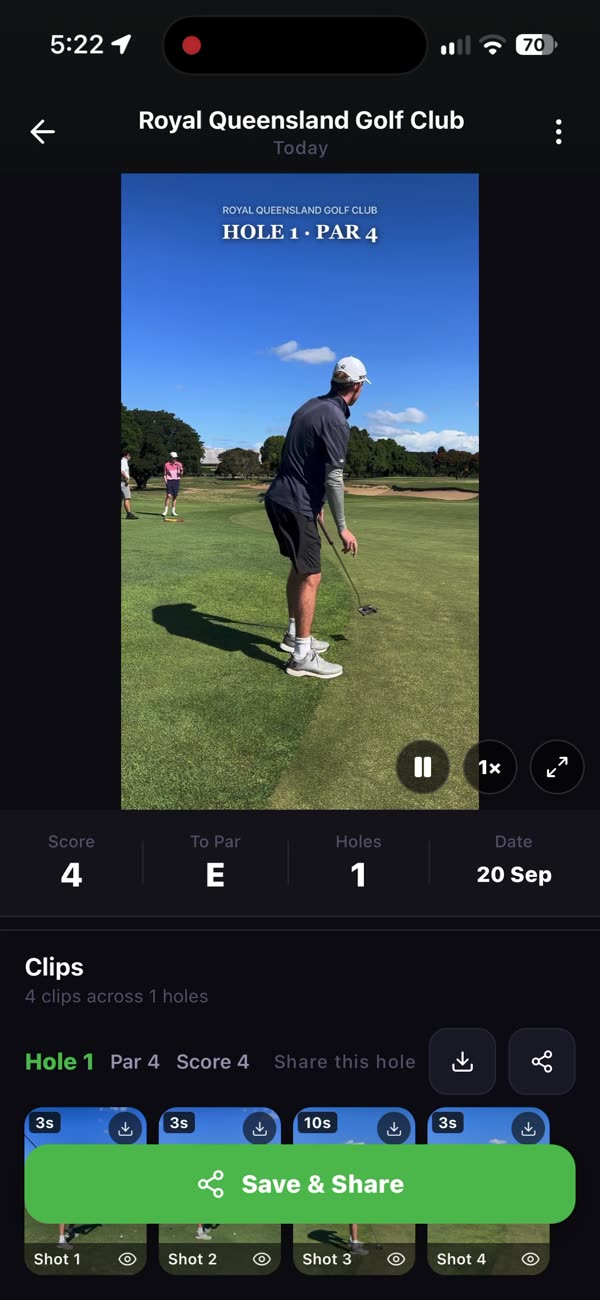
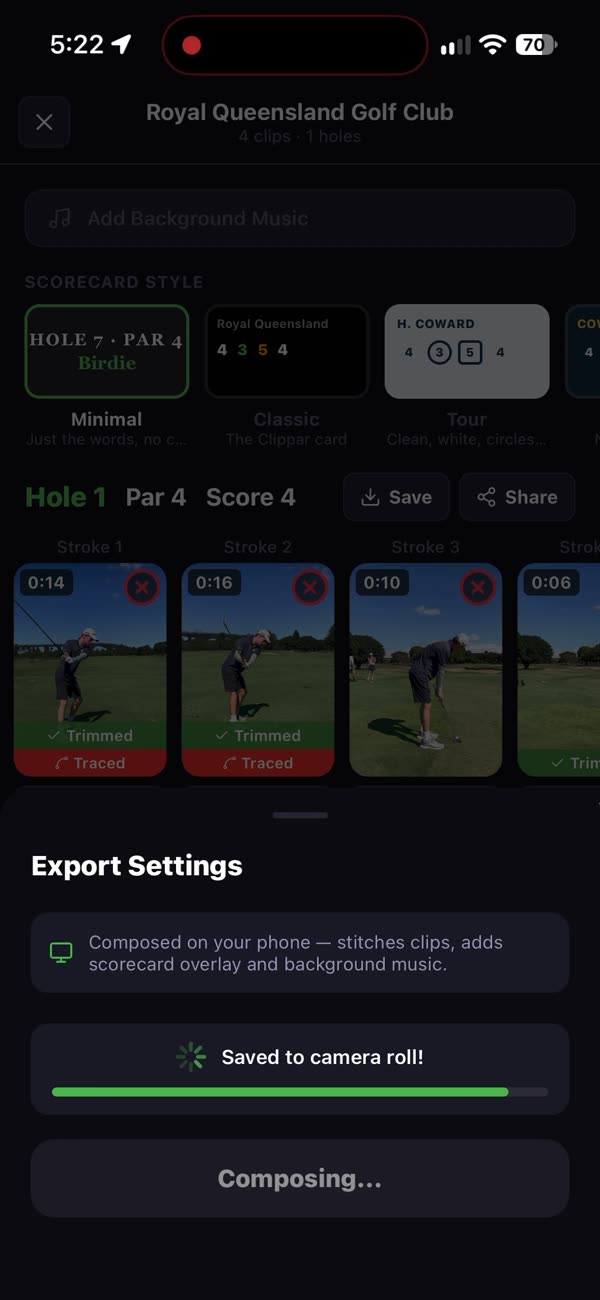
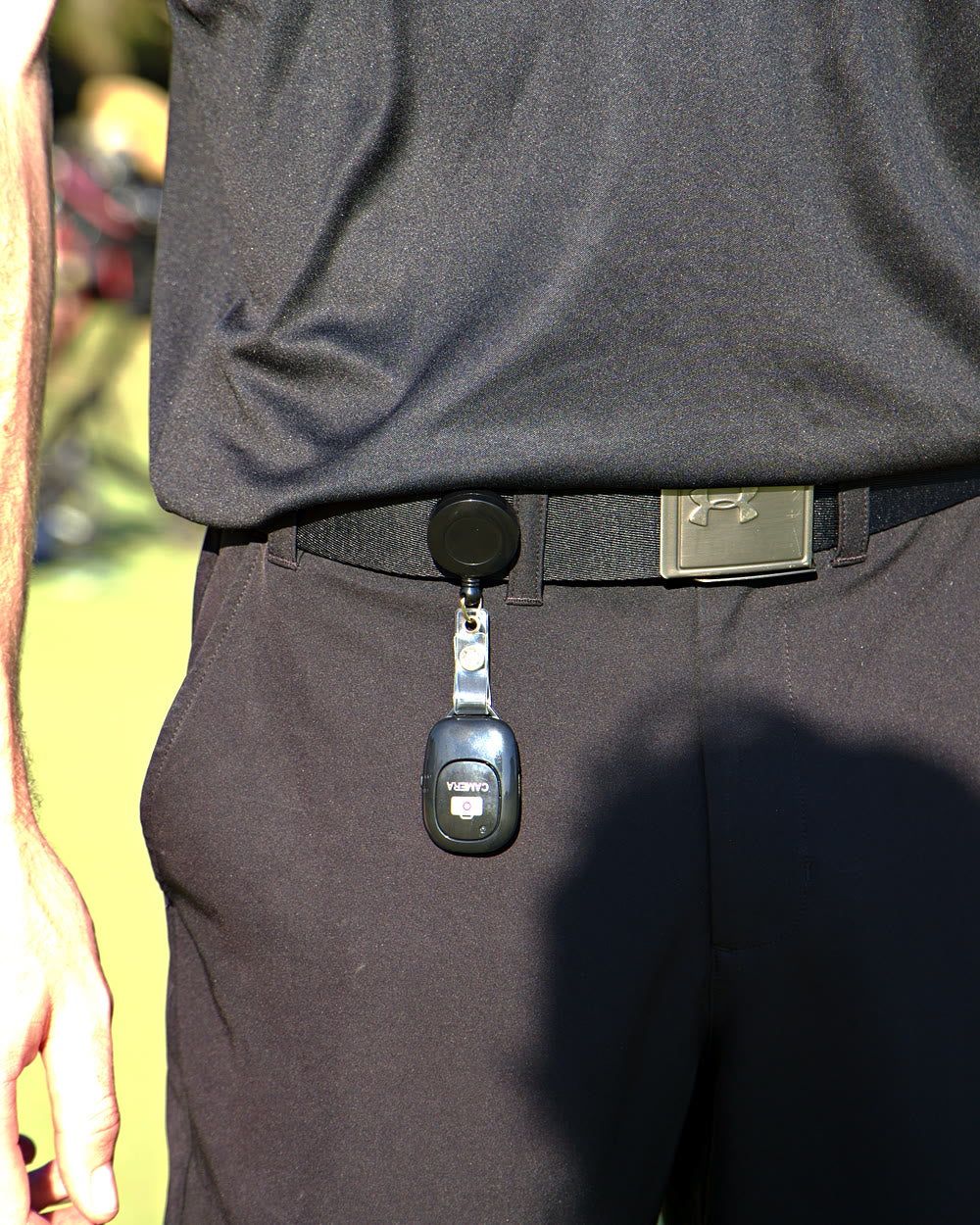
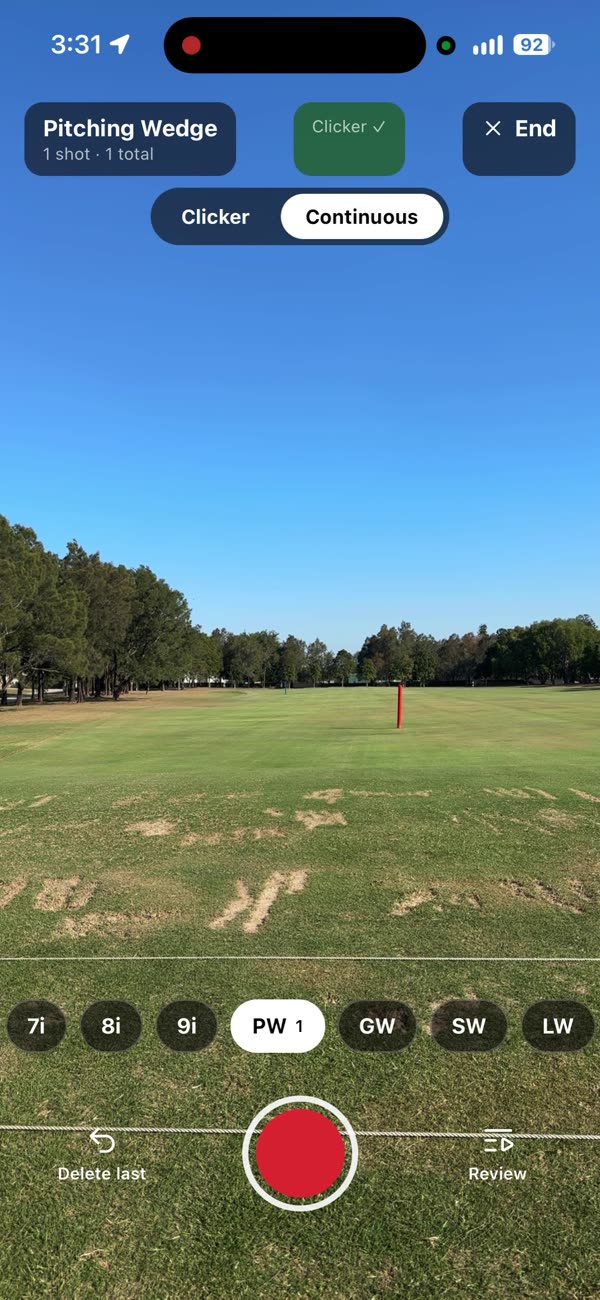
Pick the club in Clippar's practice mode, press the clicker before and after each ball, and each shot is saved under the club you hit it with. Watch the session back club by club instead of scrolling sixty clips of the same shirt.


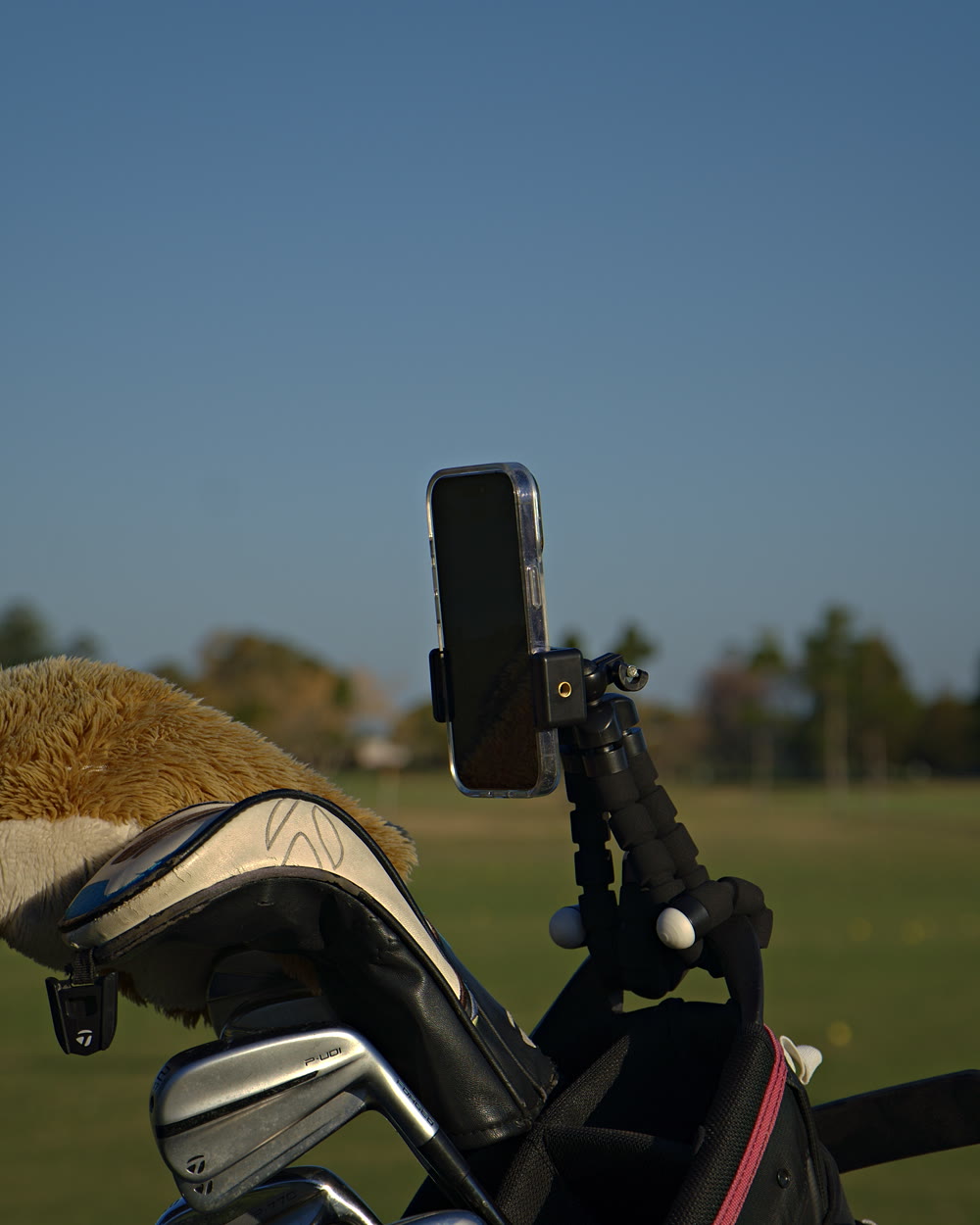
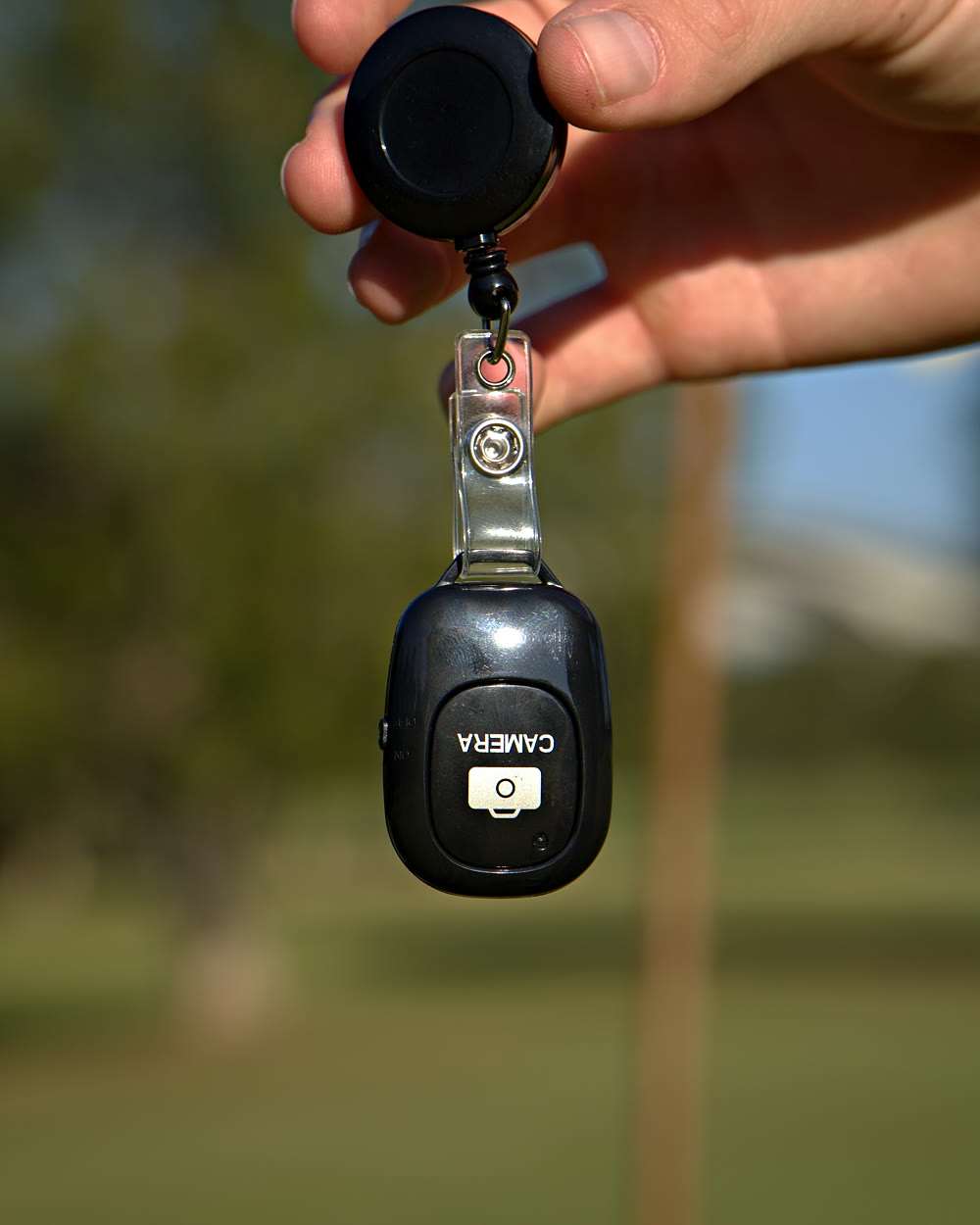
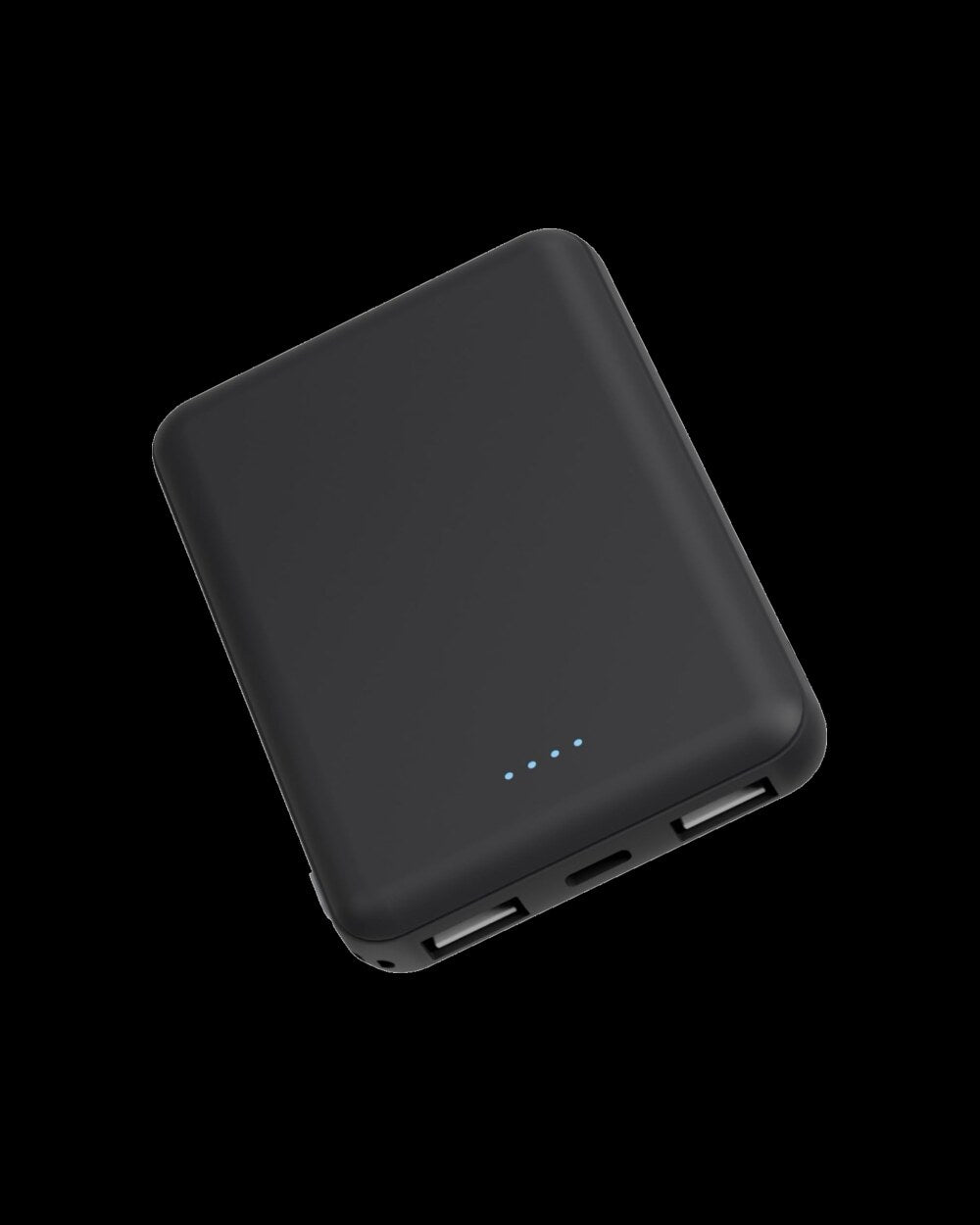
Holder on the bag, clicker on your belt, power bank for a long bucket. With 3 months of Clippar Pro.
After your 3 included months, Clippar Pro is A$14.99/month or A$99.99/year through Apple, and recording needs it. Cancel any time in your Apple ID settings.
Or try the app first: 14 days freeFree standard shipping Australia-wide · Dispatched within 3 business days · iPhone (iOS 15.1+) and Android
Practice mode
Practice mode is built for a bucket of balls. Choose the club, hit, and Clippar does the filing.


Coming in the next app update
Practice mode today uses the clicker: one press before the ball, one after. Continuous mode, coming in the next app update, drops the clicker. Leave the phone recording, keep hitting, and Clippar saves each swing as its own clip, trimmed to your setting.
Worth saying what it won't do. It will miss some swings, it can mistake a practice swing for a shot, and it doesn't pick up putts, so check the session and delete any extras with a tap.
Range setup
Wrap the legs round the bag strap and frame the hitting mat.
Press before each ball and after. You never walk back to the phone.
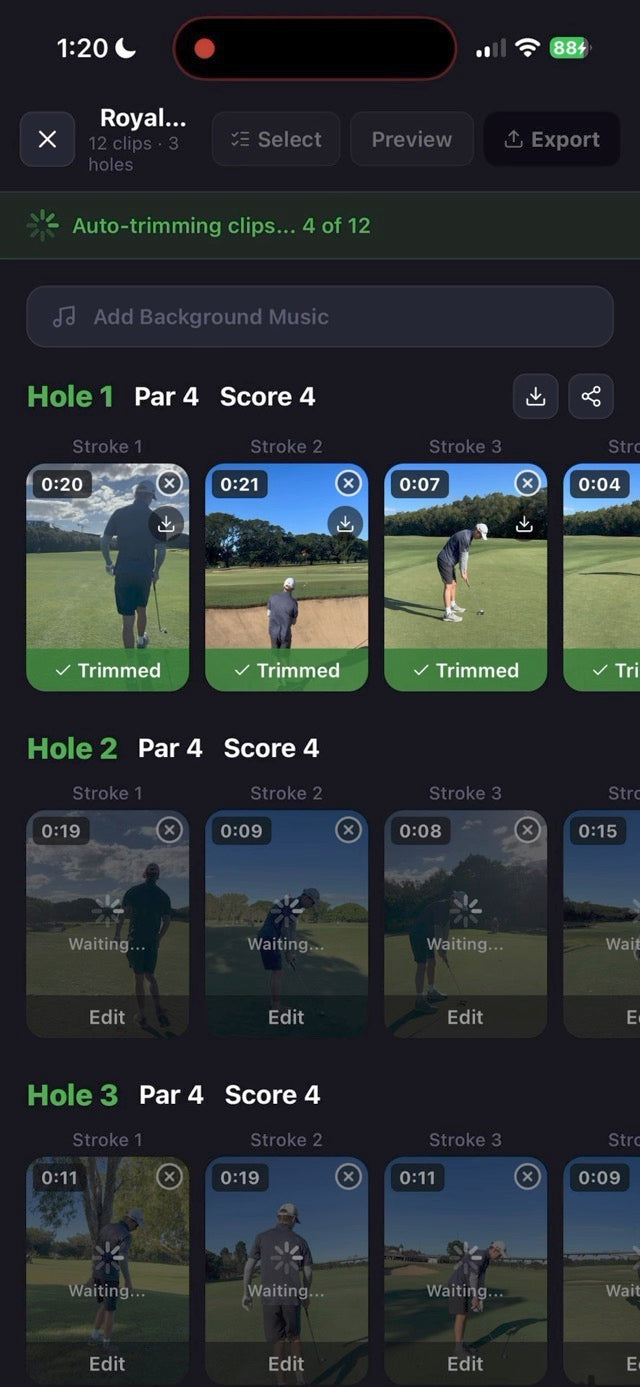
Clippar trims each clip to the swing and files it under the club you picked.
Why range footage is useless
Filming a range session is easy. Finding anything in it afterwards isn't. Your camera roll doesn't know which club you had, and nobody wants to label clips between balls.
Practice mode does the filing. It's a record of the session, and that's all it claims to be: Clippar doesn't analyse your swing or tell you what to change.
For the range bag
The same kit works at the range and on course.


Try practice mode on your next bucket. Or get the kit and do it hands-free.
Or download Clippar: 14 days freeClippar is free to download. Recording needs Clippar Pro, and your first recording starts a 14-day free trial. iPhone, iOS 15.1 or later.
Golf practice app questions
Yes. Practice mode records a range session by club. Choose the club, start and stop each shot with the clicker, and each shot is filed under that club. Watch the session back as one reel, club by club.
No. Clippar films and files your shots. It doesn't measure, grade or give swing tips.
A mode coming in the next app update: leave the phone recording and Clippar splits the session into shots without the clicker. It will miss some swings and can mistake a practice swing for a shot, so you check the session afterwards.
No, but it helps. The clicker means you don't walk back to the phone between balls, and the holder keeps the same angle all session.
Clippar is free to download. Recording needs Clippar Pro, and your first recording starts a 14-day free trial. The kit includes 3 months of Pro.
iPhone, running iOS 15.1 or later, and Android phones, from Google Play.
Depends what you want from the session. Drills come from a training app; ball data comes from a launch monitor or a Toptracer range. Clippar does neither. It films each ball and files it under the club you hit, so you can watch the session back.
Holder, clicker, badge reel and power bank.
Free standard shipping Australia-wide.