FREE SHIPPING AUS WIDE IPHONE + ANDROID
Junior golf, filmed by the parent

Junior golf.
Filmed from the sideline.

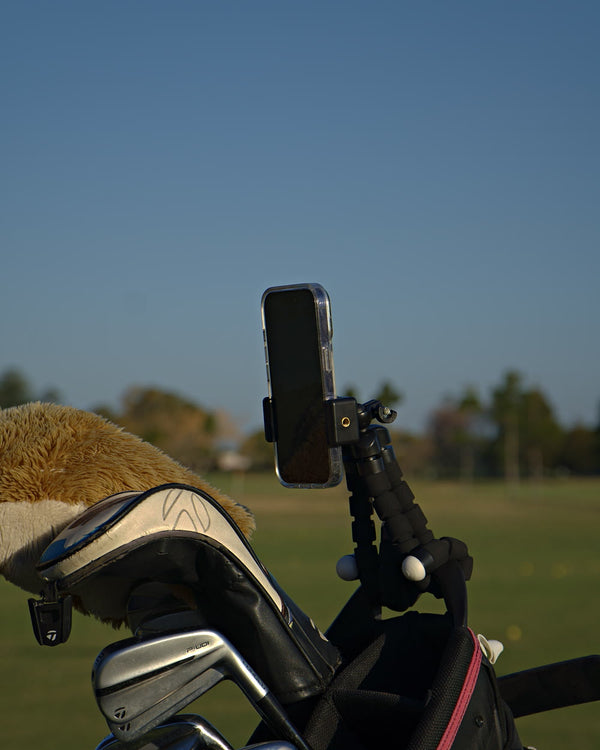
Put your iPhone in a holder on their bag, keep the clicker in your hand, and press it before and after each shot from up to 20m away. Clippar keeps the swings and makes a reel you can send to the grandparents.
The kit for the parent on the sideline

Phone holder, Bluetooth clicker, badge reel and power bank, with 3 months of Clippar Pro. It uses your iPhone (iOS 15.1 or later).

After your 3 included months, Clippar Pro is A$14.99/month or A$99.99/year through Apple, and recording needs it. Cancel any time in your Apple ID settings.

Or try the app first: 14 days free

Free standard shipping Australia-wide · Dispatched within 3 business days · iPhone (iOS 15.1+) and Android

Just the footage, not a lesson

Golf apps for kids

Most golf apps for kids want to teach. This one just films.

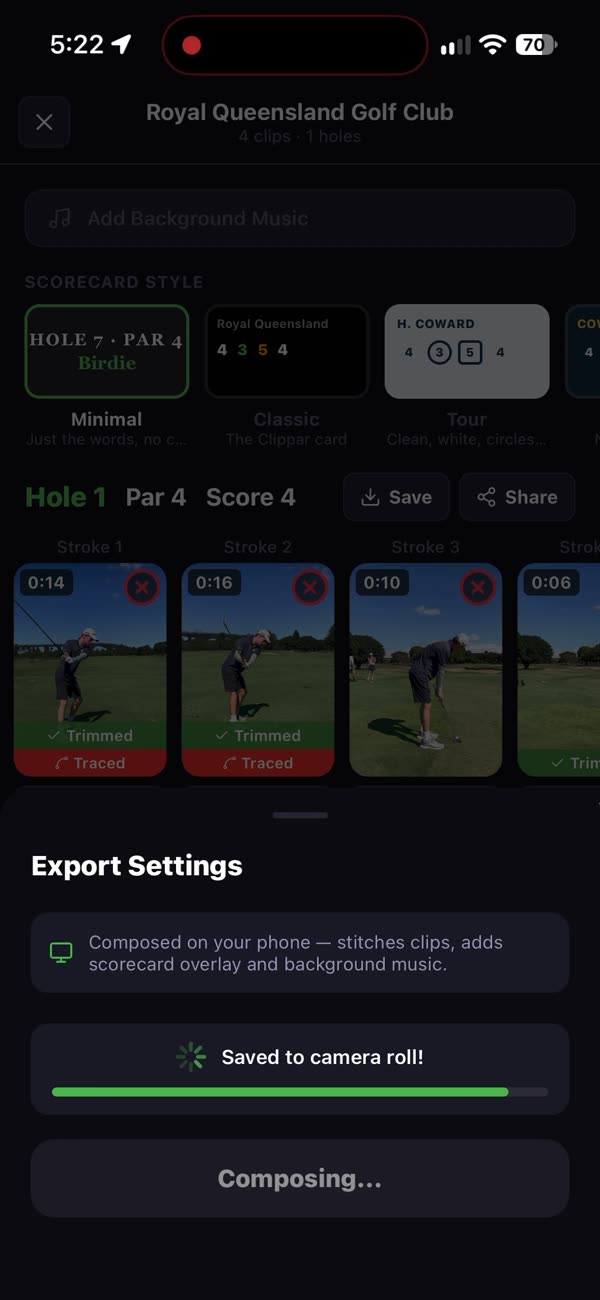
Search for golf apps for kids and you'll find drills, games and swing tips. Clippar isn't any of those, and it's fine to have one of them too. What it does is the filming. You press the clicker before they hit and after, and the app keeps just the swing, traced when it can pick the ball up.

The video stays yours. Swing detection runs on your iPhone and no video is sent anywhere for analysis. Who sees the reel is up to you.

Filming junior golf, usuallyWith Clippar
Phone out for four hours
Phone in a holder, clicker in your hand
Missed the chip-in, filmed the three-putt
Press before, press after, keep the shot
Two hundred clips on your camera roll
One reel of the round

On the sideline

You press. They play.

  1. Holder on their bag.
    01

    Holder on their bag.

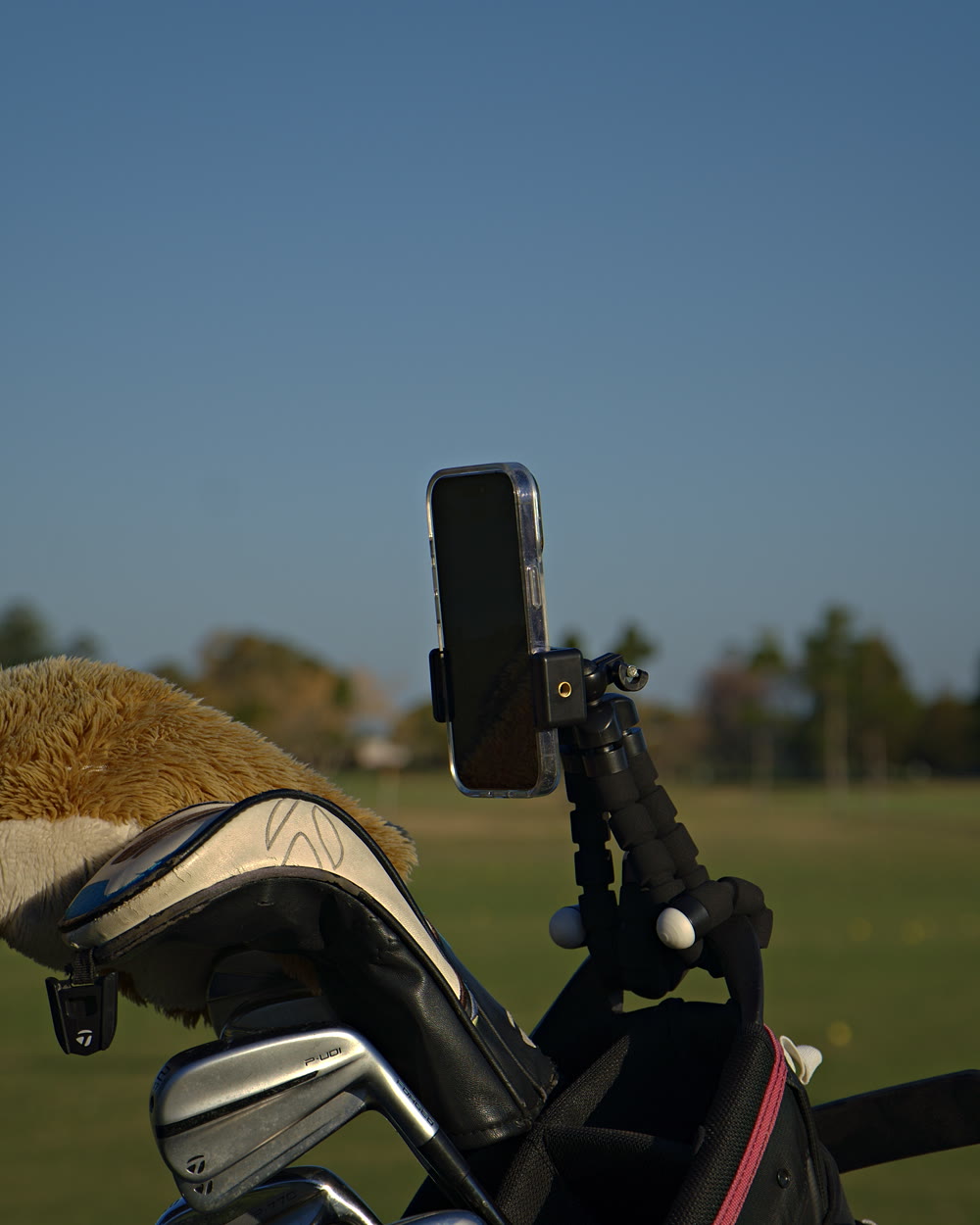
    The legs wrap round a bag strap or buggy rail. It's your phone, so it's your account and your camera roll.

  2. Clicker in your hand.
    02

    Clicker in your hand.

    Walk alongside and press before each shot and after, up to 20m from the phone.

  3. Swings kept, waiting cut.
    03

    Swings kept, waiting cut.

    Clippar finds the swing in each recording and trims out the standing around.

After the round

Range sessions by club. Reels for the grandparents.

The two things parents use most: practice mode at the range, and a reel that's easy to send to family, or to their coach if the coach wants to see it.

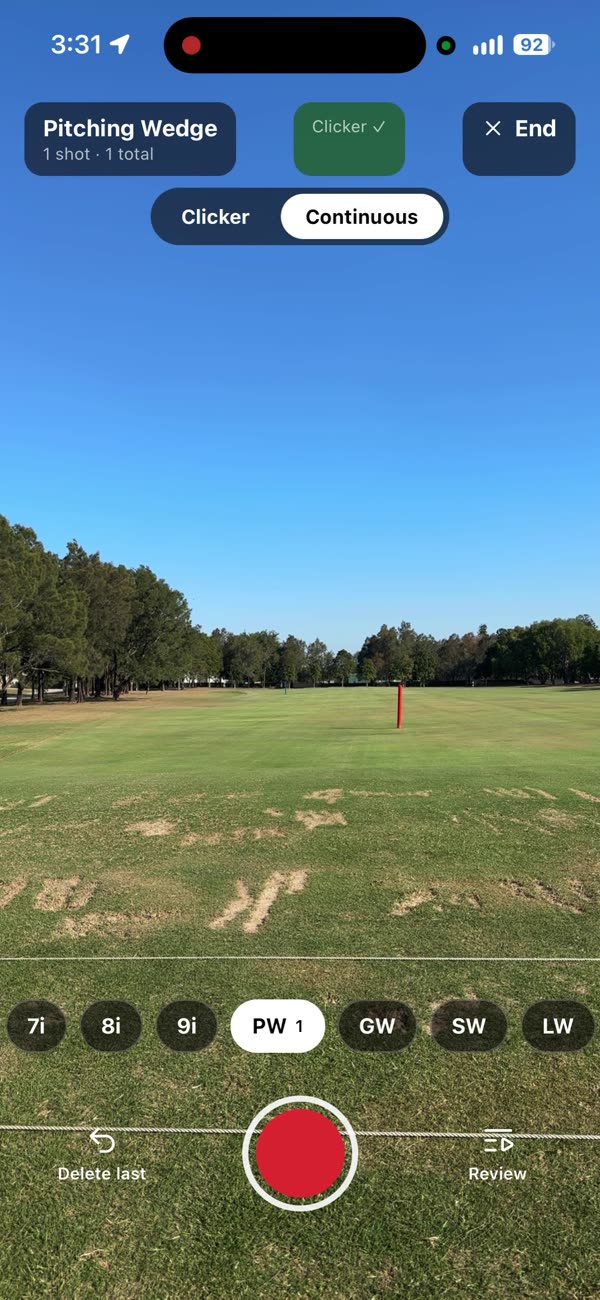
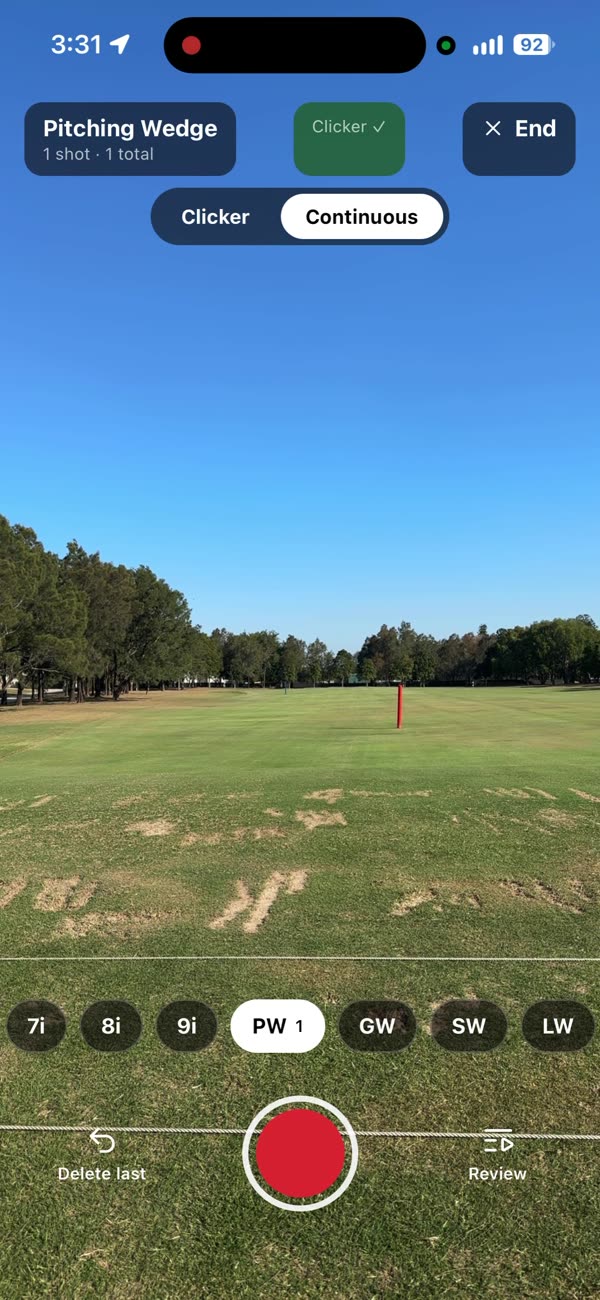
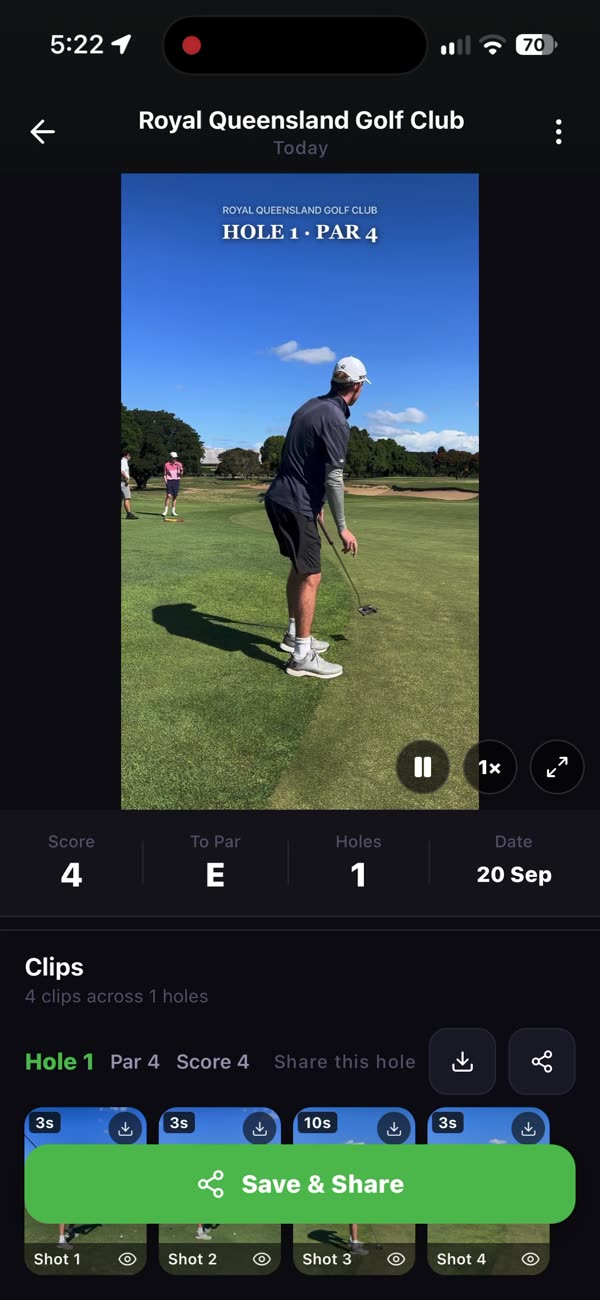
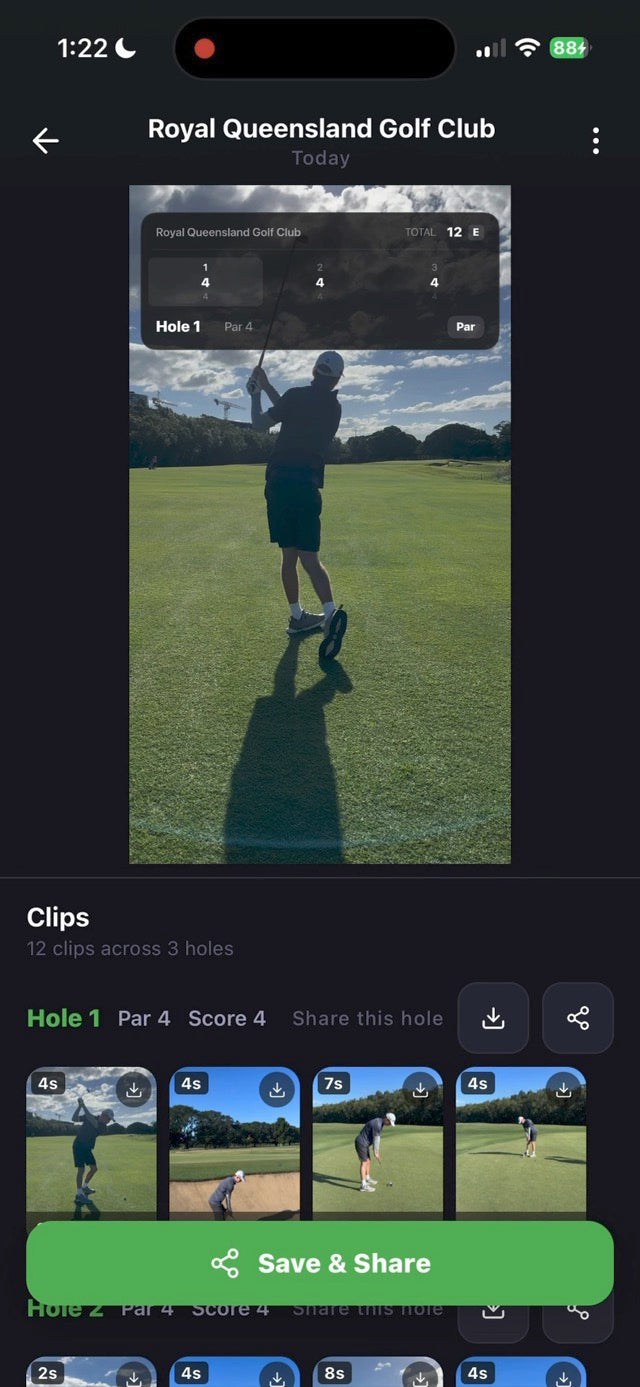
Choosing a club in Clippar practice modeA Clippar session of saved clipsA Clippar round reel with scorecardSending a reel from Clippar
01 / 04

Practice mode

Pick the club, and each shot is filed under it.
  • Choose the club before they hit
  • Shots saved club by club
  • Watch the session back as one reel
02 / 04

Their shot library

Find last month's good one again.
  • Rounds and sessions saved
  • Open any hole's shots
03 / 04

The round reel

With the scorecard, if you want it.
  • Five scorecard designs
04 / 04

Send it to family

Grandparents, the family chat, their coach.
  • One tap to share
  • Save a copy to your camera roll
  • You choose who sees it

In the box

What goes on their bag, and in your pocket.

Built so the parent does the pressing and the junior just plays.

01 / 04

Phone holder

On their bag, framed on the tee.
  • Bendable tripod legs
  • Spring clamp
02 / 04

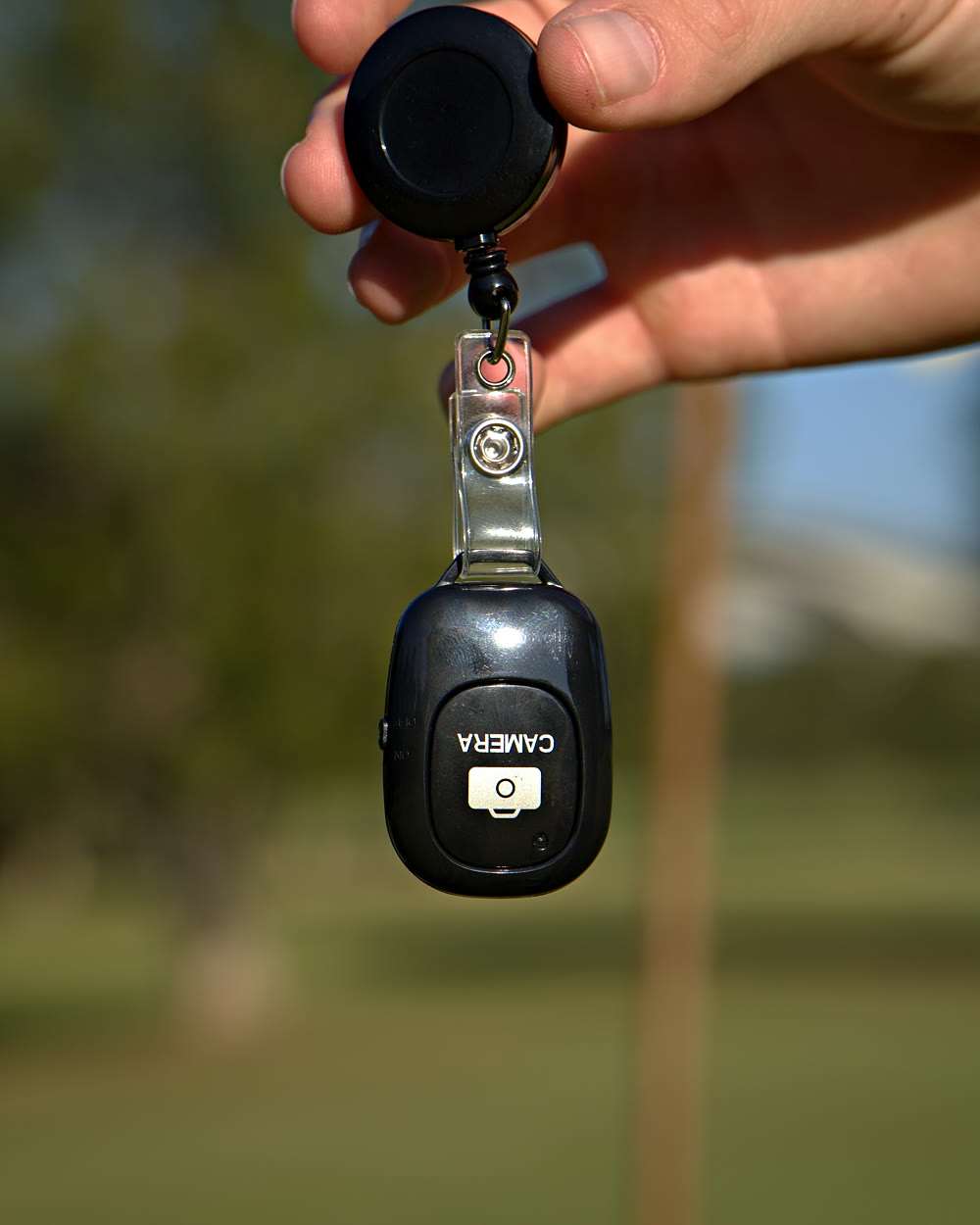
Bluetooth clicker

In your hand, not theirs.
  • 20m range
  • USB-C rechargeable
03 / 04

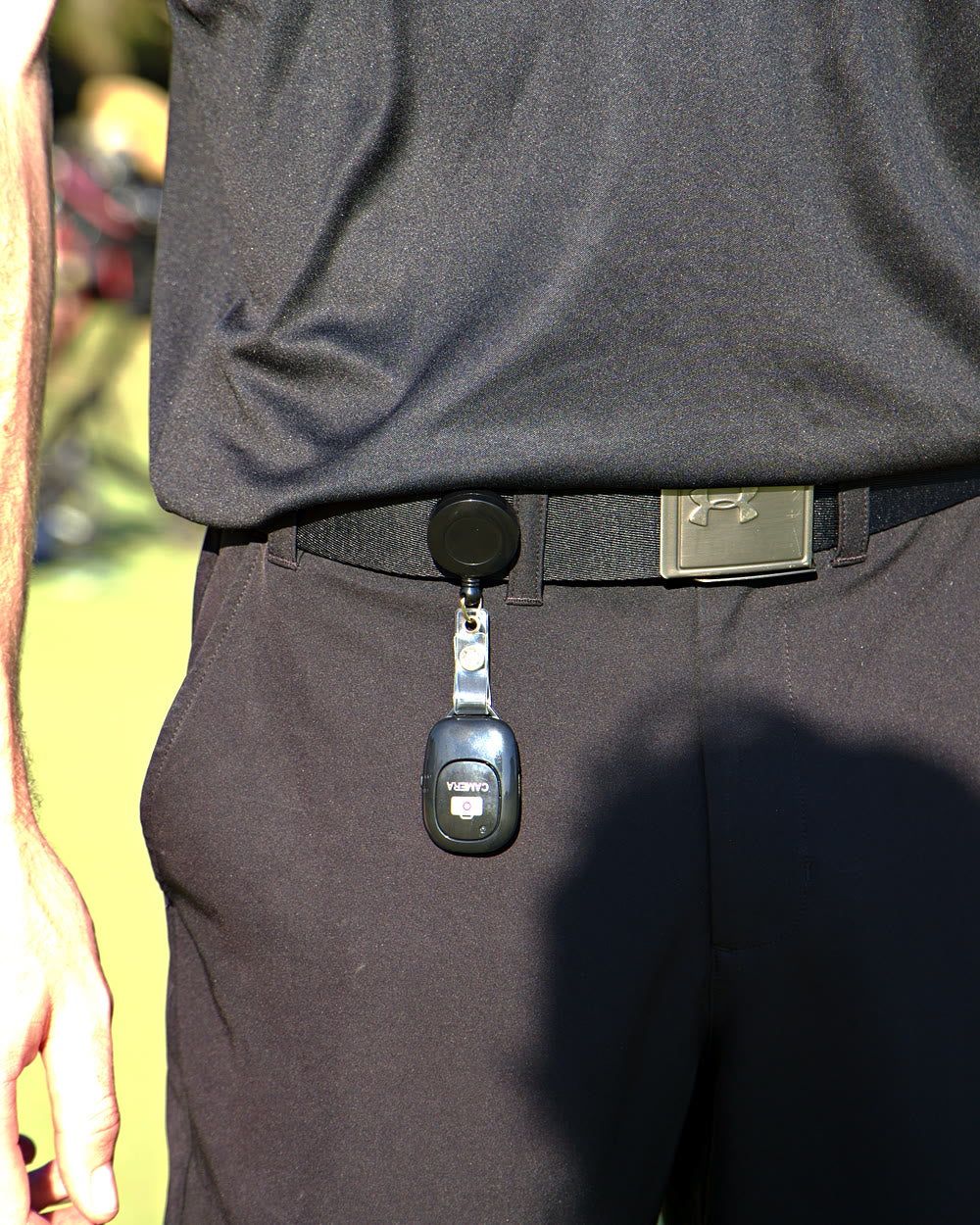
Badge reel

Or on your belt.
  • Retractable
  • Belt clip
04 / 04

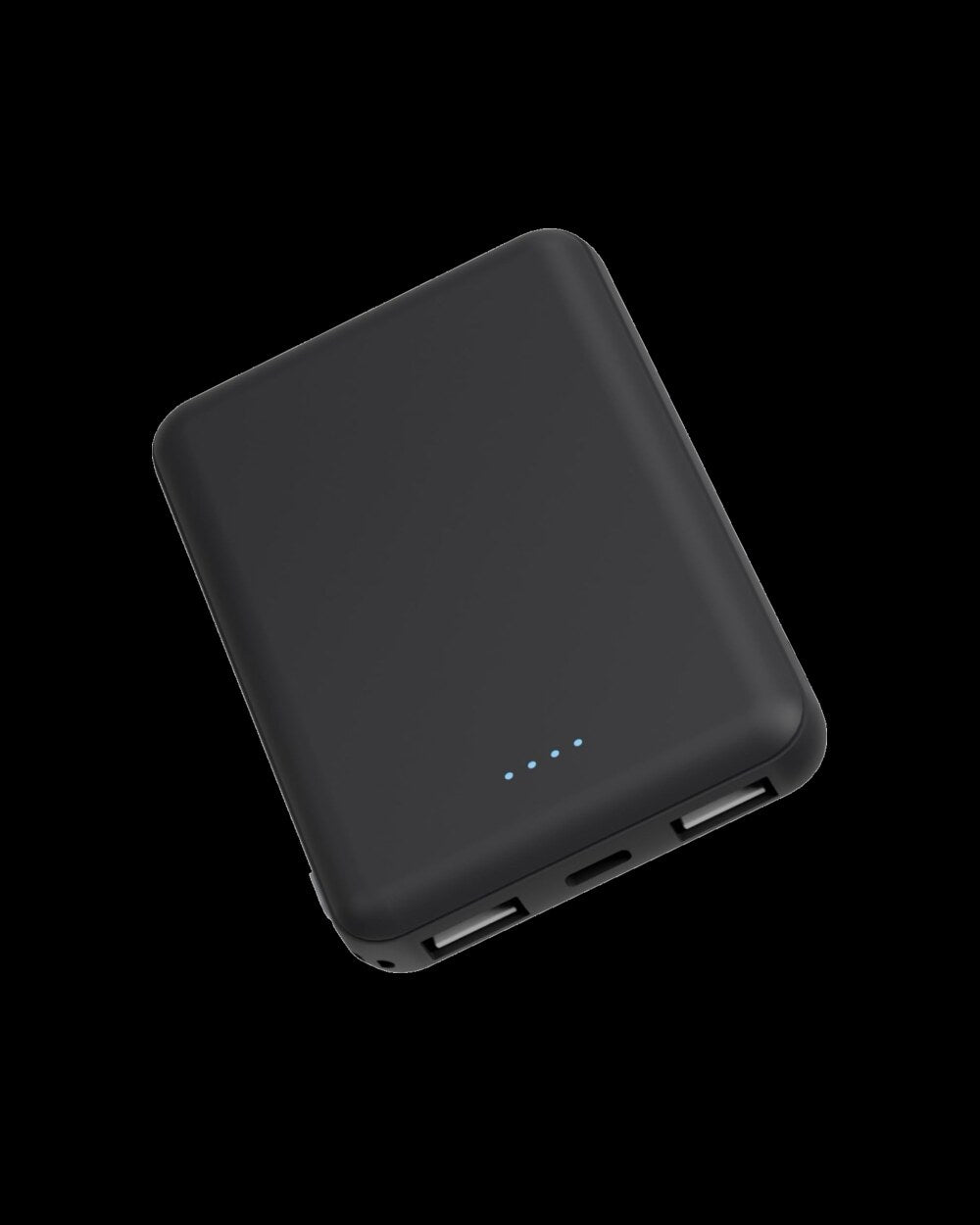
Power bank

For a long tournament day.
  • 5,000mAh
  • Fits a bag pocket
The Clippar phone holder's bendable legs wrapped round a golf bag, iPhone clamped on topThe Clippar Bluetooth clicker on its retractable badge reel, held on the courseThe Clippar clicker on a retractable badge reel clipped to a golfer's beltThe slim 5,000mAh power bank from the Clippar kit

Film their next range session. Holder, clicker and 3 months of Clippar Pro.

Or download Clippar: 14 days free

Clippar is free to download. Recording needs Clippar Pro, and your first recording starts a 14-day free trial. iPhone, iOS 15.1 or later.

Junior golf filming questions

For parents, before you film.

Is there a golf app for kids that just records them?

Clippar does that on the parent's iPhone. It records between clicks, trims to the swing and makes a reel. It doesn't score their swing or give tips.

Does my child need their own phone?

No. Your iPhone (iOS 15.1 or later) goes in the holder on their bag, and you hold the clicker.

Where does the video go?

It stays on your phone. Swing detection runs on the iPhone itself and no video is sent anywhere for analysis. With Clippar Pro, your clips also back up to the cloud. You choose who you share a reel with.

Can I film at junior tournaments?

Check with the event first. Some junior events have rules about phones and filming on course, and other families may not want their kids filmed.

Will it trace their shots?

On full swings, when the tracer can pick the ball up in the footage. When it can't, it leaves the shot as filmed and you can draw the trace in by hand. Putts aren't traced.

What does it cost?

Clippar is free to download. Recording needs Clippar Pro, and your first recording starts a 14-day free trial. The kit includes 3 months of Pro.

What is the best golf app for a beginner?

Depends what the beginner needs. For lessons and drills, an app built for teaching, or better, a real coach. For a record of how they're going, a filming app. Clippar is the second kind: it films their shots and makes a reel, and it doesn't give tips.

Their best shot.
On your phone.

Holder, clicker, badge reel and power bank.
Free standard shipping Australia-wide.

Or download Clippar and try it free for 14 days