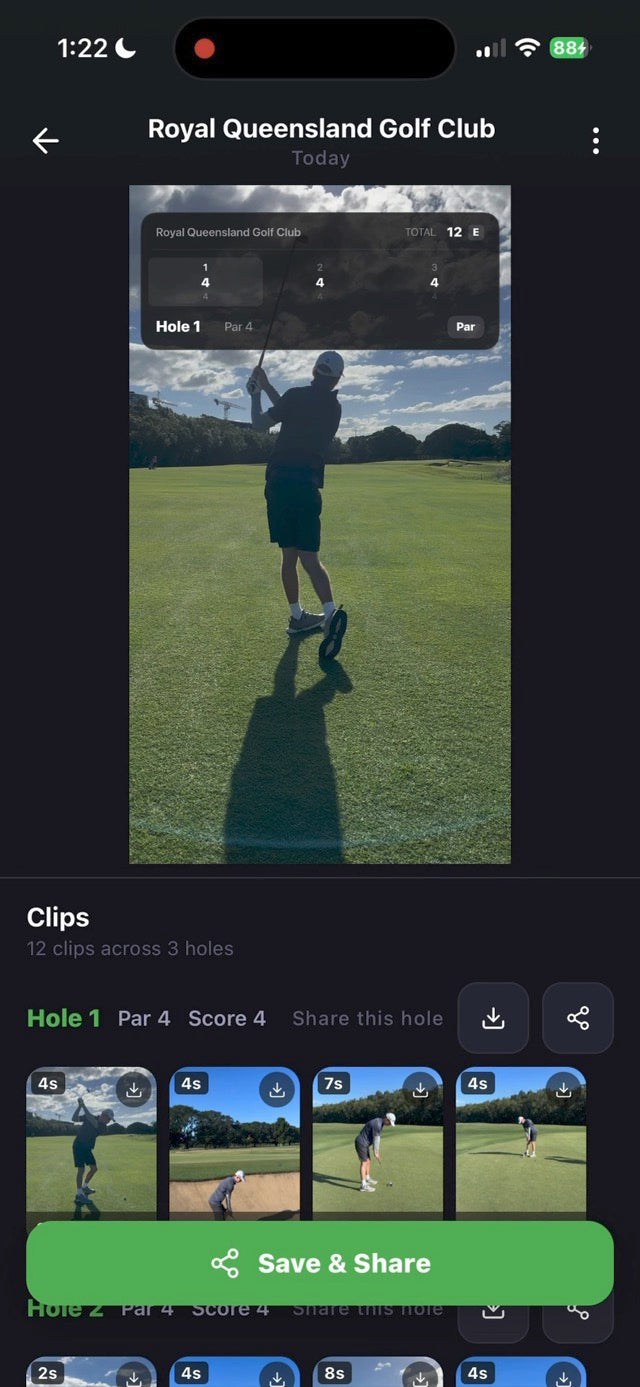
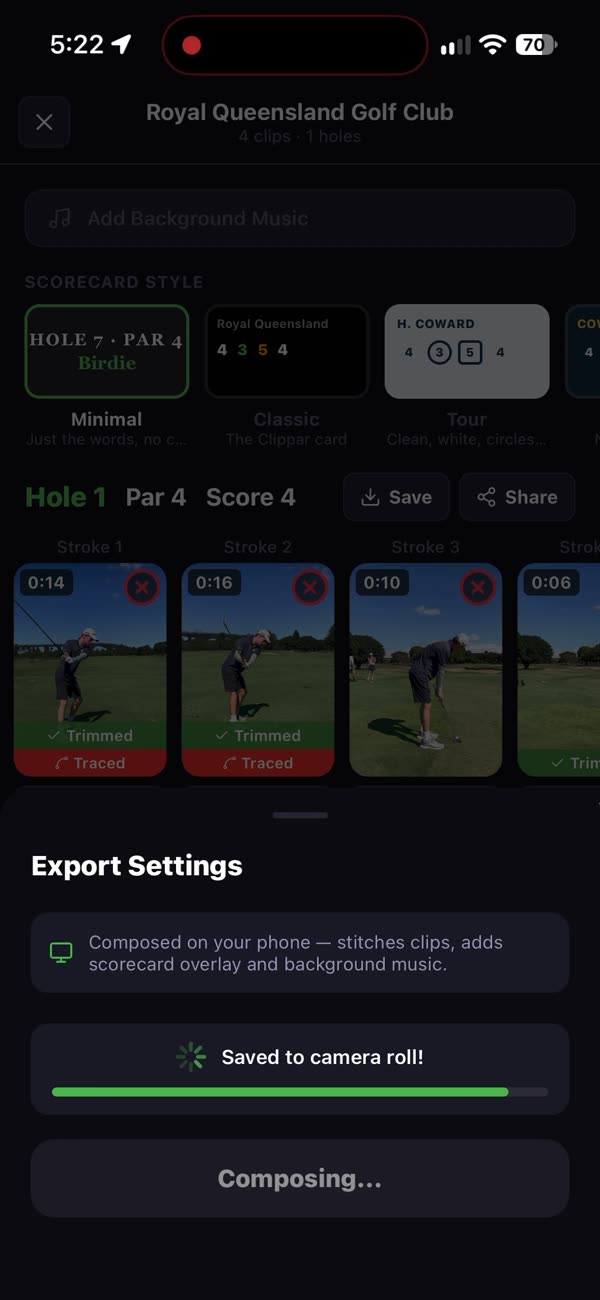
Clippar draws your ball flight onto the video of full swings, when it can pick the ball up, seconds after you hit. When it can't, you draw the arc yourself. Then it strings the traced shots into a reel with your score on it.

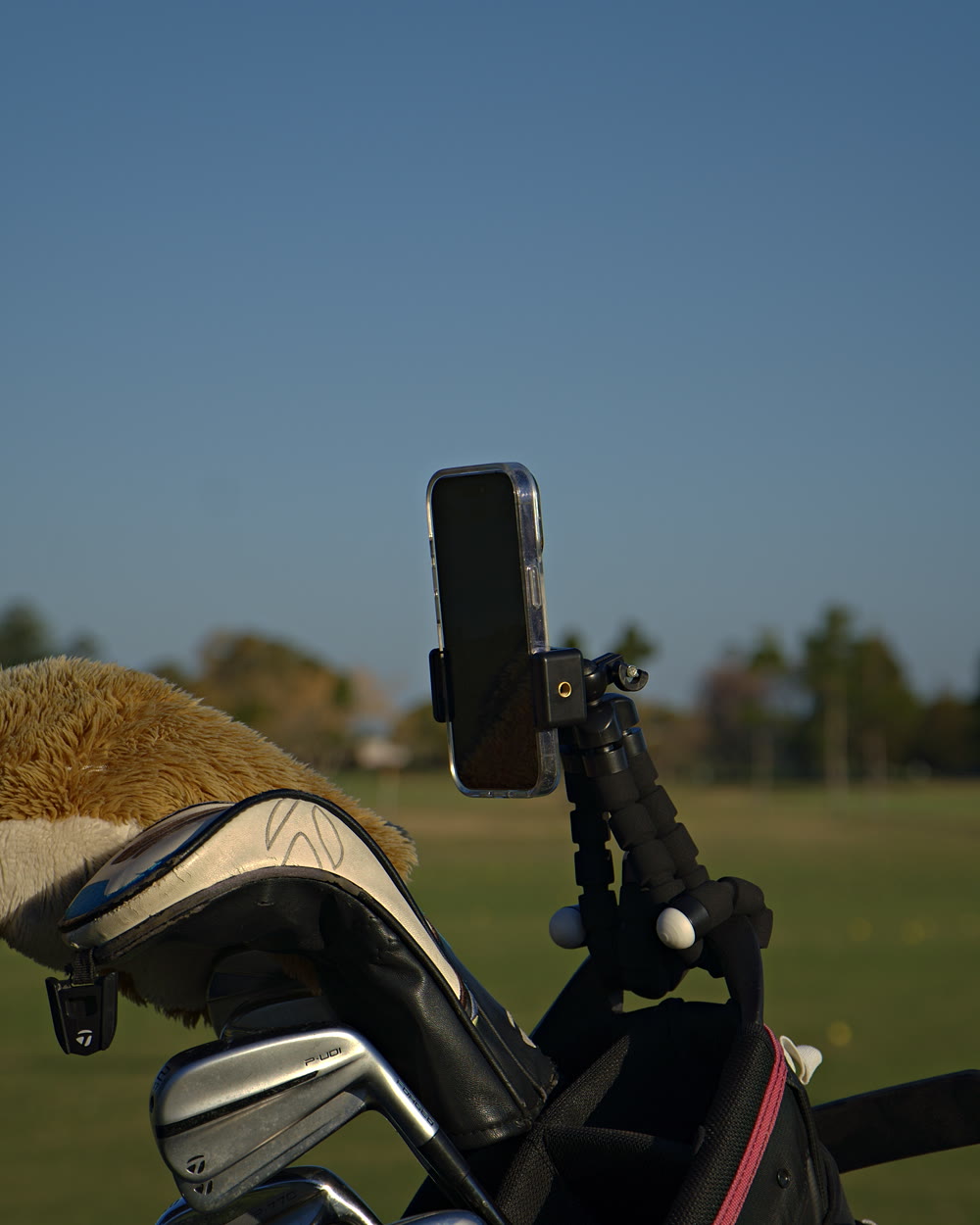
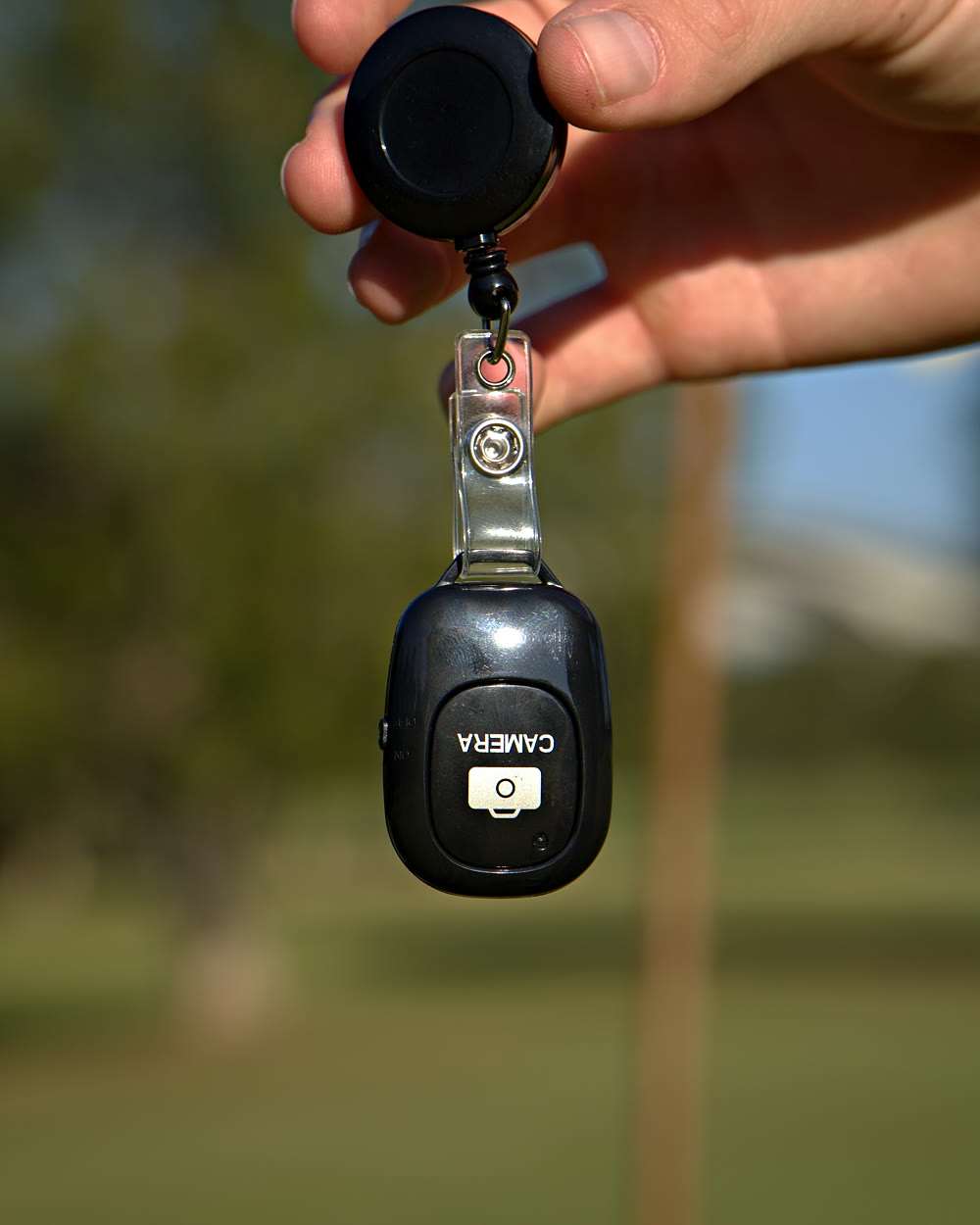
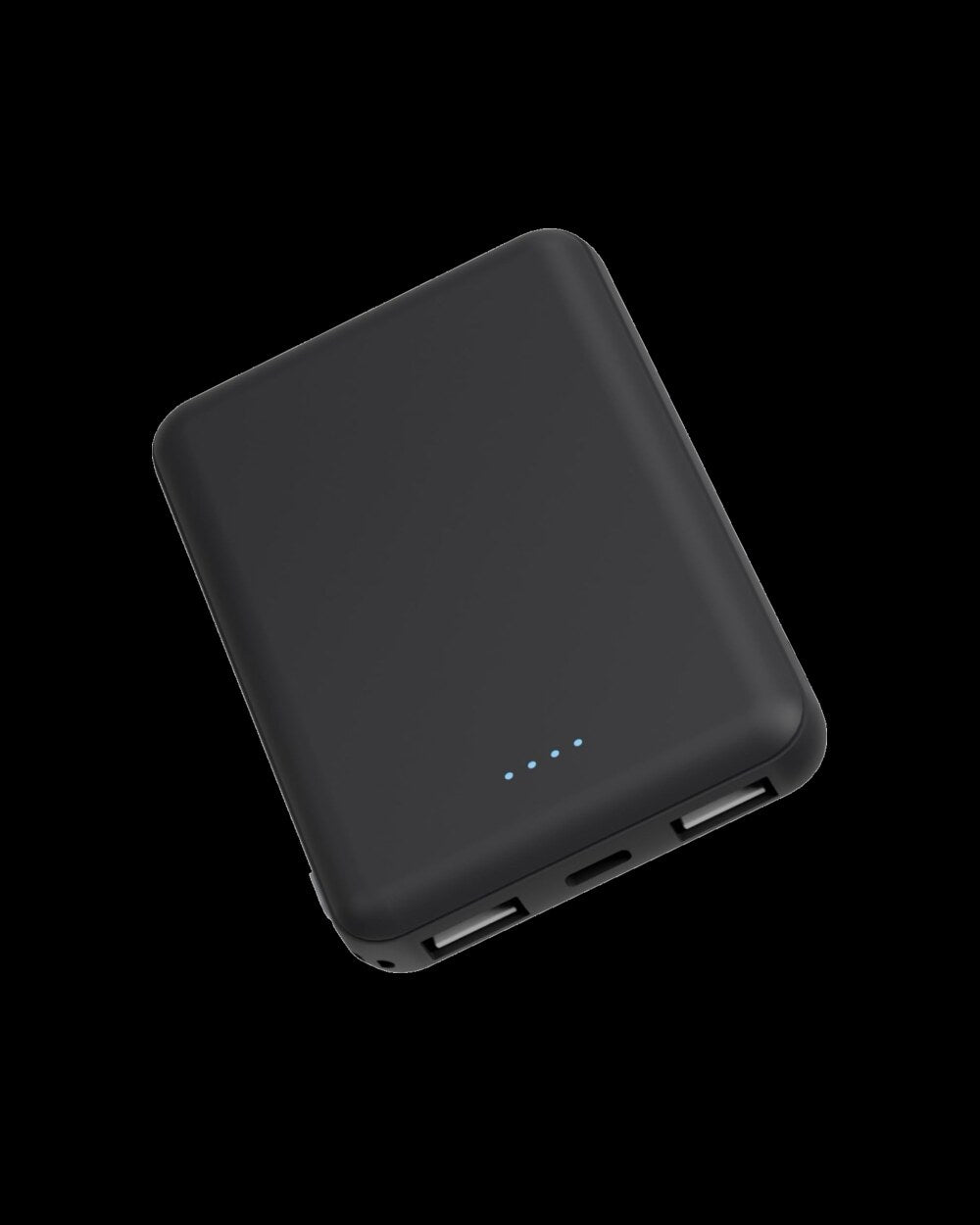
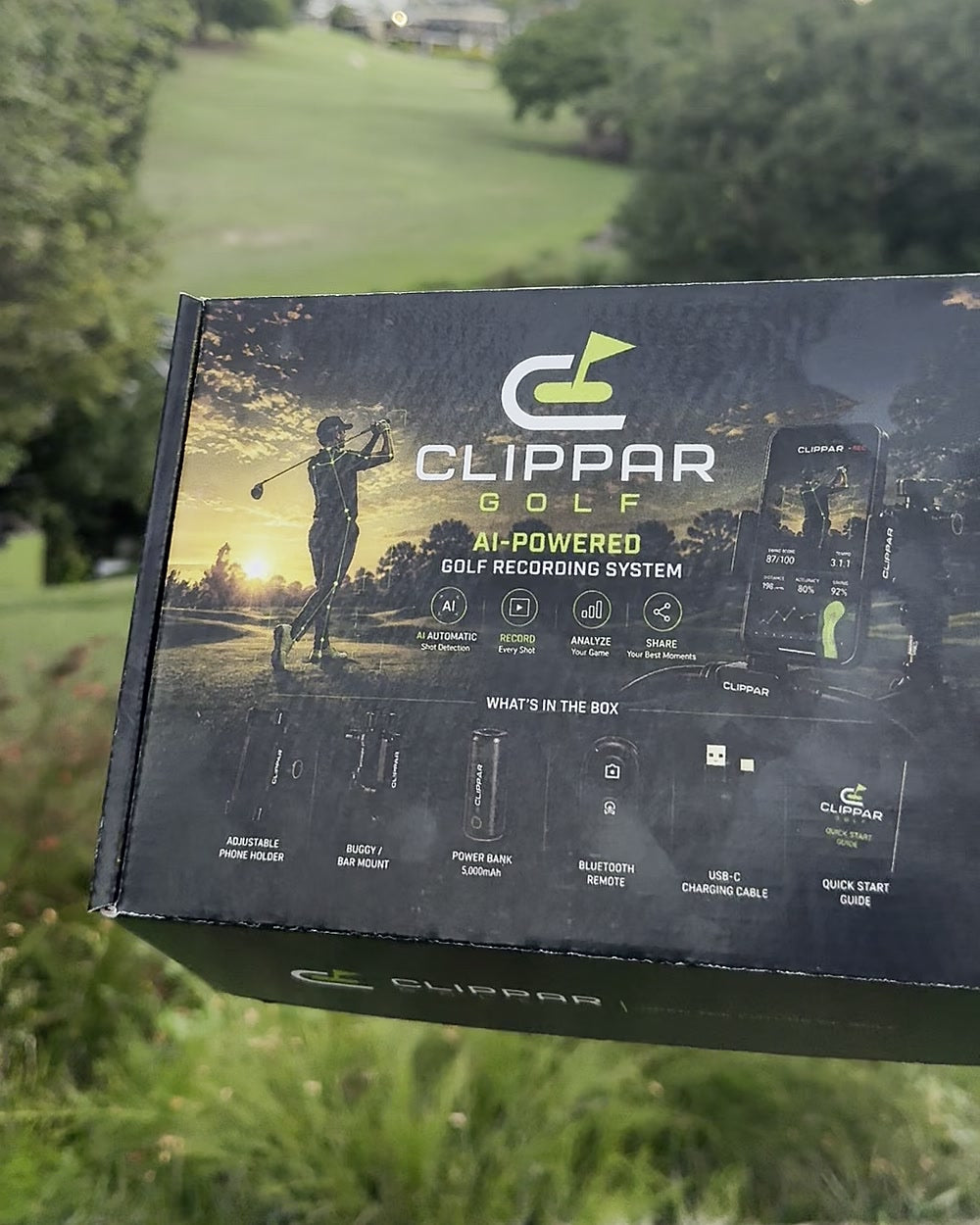
The app traces. The kit gets the shot filmed: a phone holder for your bag, a clicker for your belt, a power bank, and 3 months of Clippar Pro.
After your 3 included months, Clippar Pro is A$14.99/month or A$99.99/year through Apple, and recording needs it. Cancel any time in your Apple ID settings.
Or try the app first: 14 days freeFree standard shipping Australia-wide · Dispatched within 3 business days · iPhone (iOS 15.1+) and Android
The shot tracer
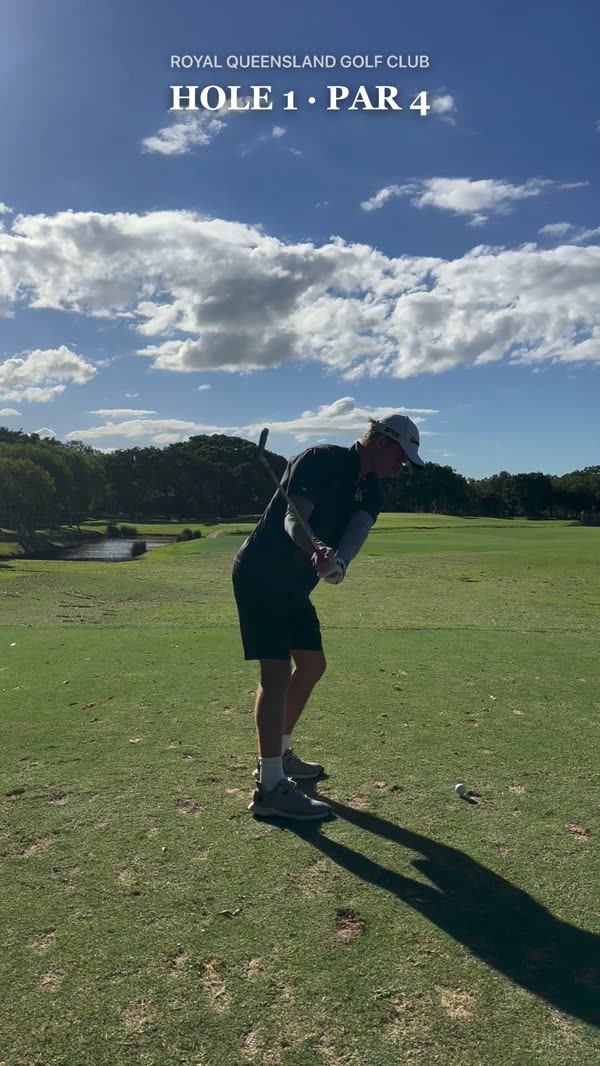
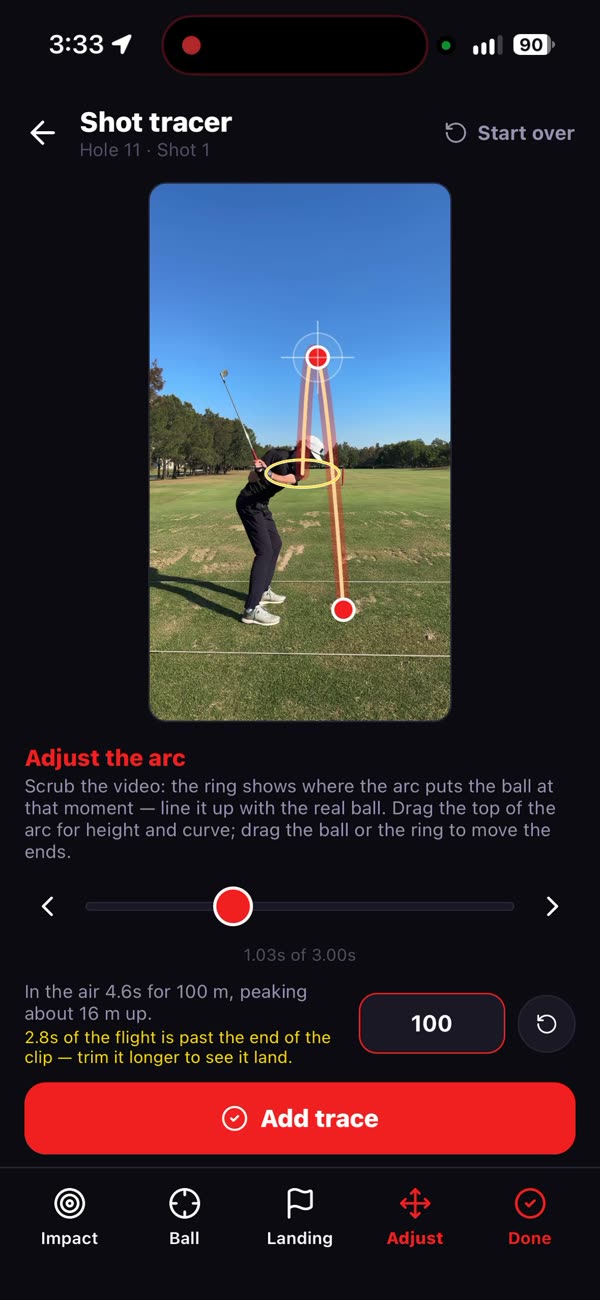
Film a full swing and Clippar finds the ball, follows it and draws the flight, on the phone, seconds after impact. This is a real shot, filmed on the kit and traced in the app.
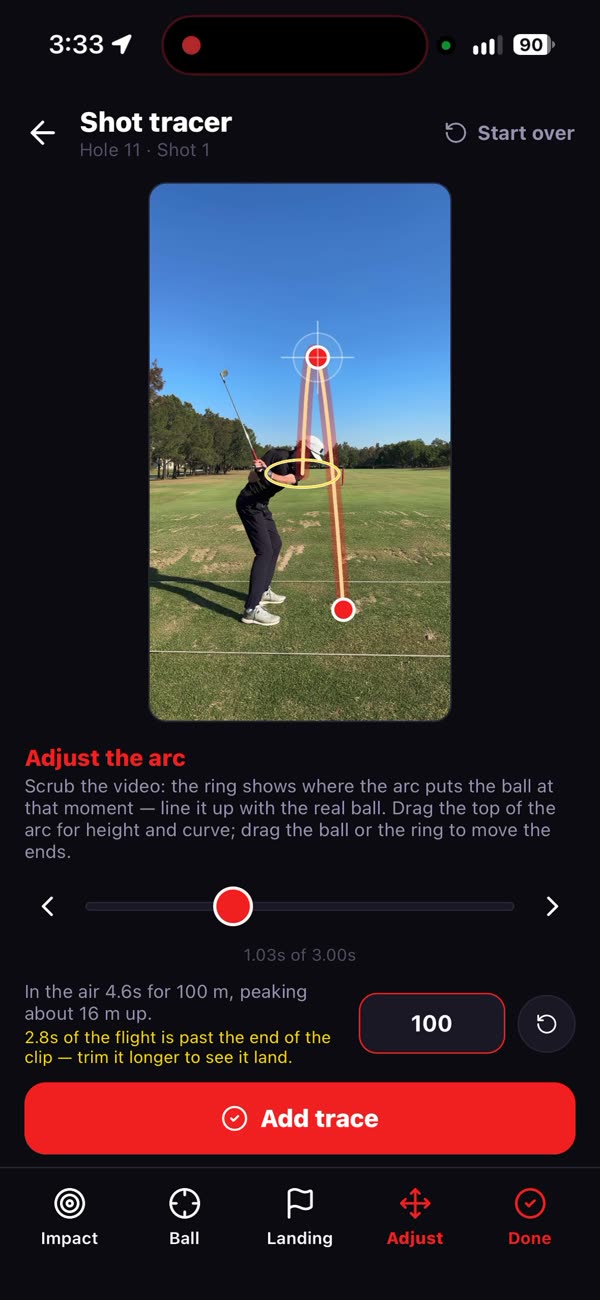
When Clippar can't pick the ball up, into a low sun or straight away from the camera, it leaves the shot as filmed and you can draw it yourself.
When the tracer can't see it
Some balls vanish into the sky. Clippar lets you draw those by hand, and the line flies on the same physics as the automatic trace.


Why most traced shots never happen
Tracer apps assume somebody filmed the shot. On a normal Saturday nobody did: the phone was in your pocket, or propped against the bag and pointed at the wrong tee. So Clippar comes with the part other tracer apps leave out.
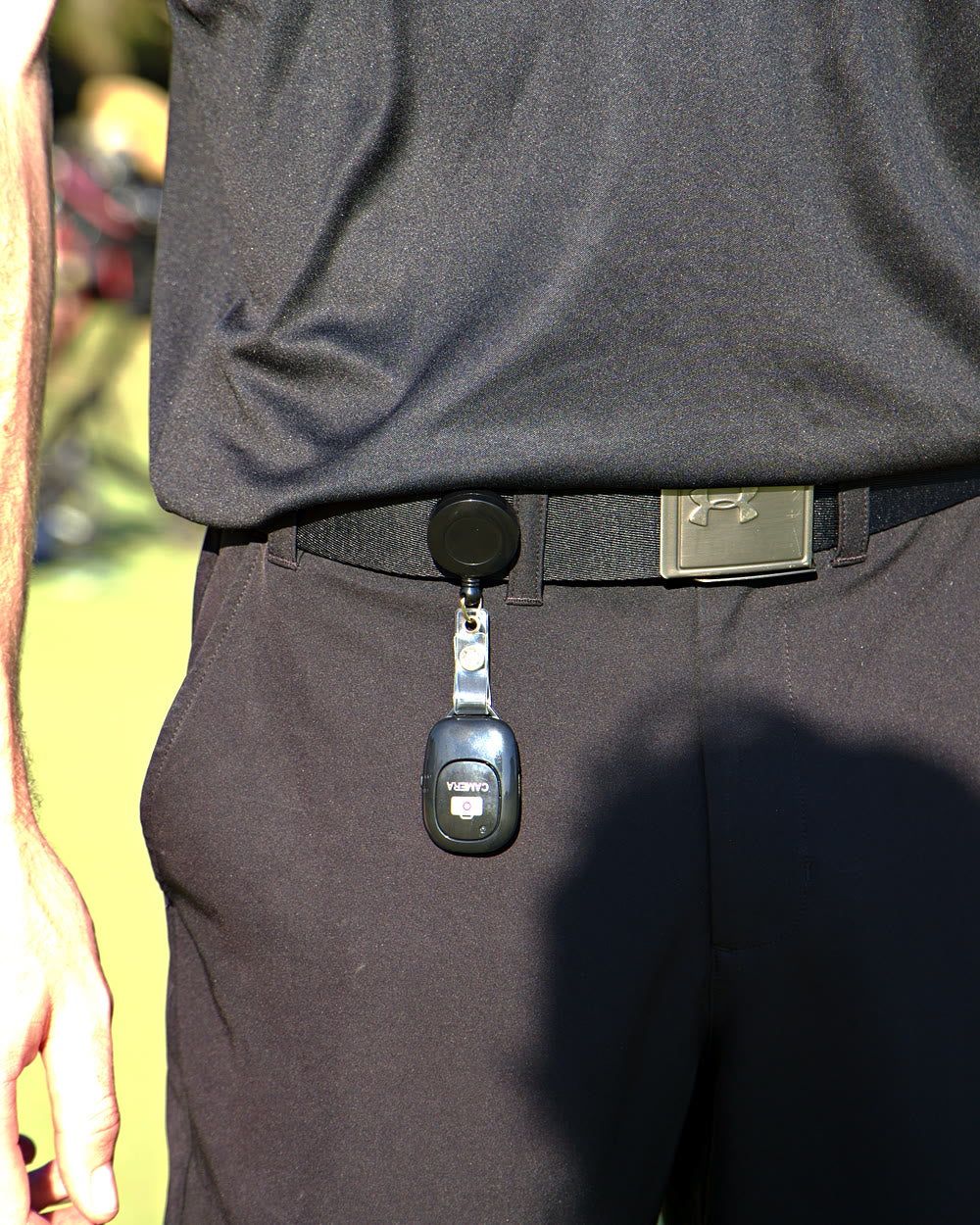
A holder keeps the phone on your bag or buggy, framed on where you hit from. A Bluetooth clicker on your belt starts and stops the recording, so the shot gets filmed without anyone holding anything. Then the tracer has something to work with.
From tee to trace
Wrap the holder's legs round a bag strap or buggy rail and frame where the ball will go.
The clicker on your belt starts recording before the shot and stops it after, from up to 20m away.
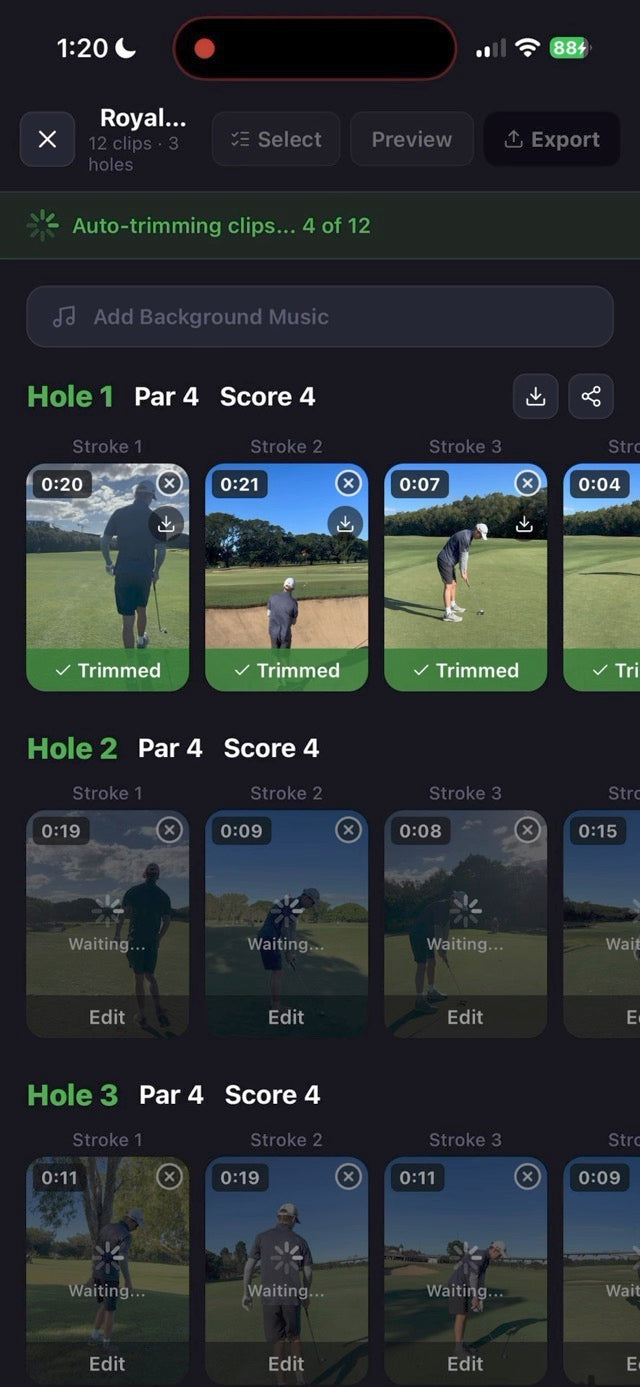
Clippar trims the clip and draws the flight when it can pick the ball up. If it can't, draw it in with a finger.
The kit that films for the tracer
A tracer needs a steady frame and a shot that was recording. The kit handles both.


Traced shots start with a filmed one. Holder, clicker, power bank and 3 months of Pro.
Or try the tracer free for 14 daysClippar is free to download. Recording needs Clippar Pro, and your first recording starts a 14-day free trial. iPhone, iOS 15.1 or later.
Shot tracer questions
No. It draws the ball flight on full swings when it can pick the ball up in your footage. When it can't, it leaves the shot as filmed, and you can draw the trace in by hand. Putts aren't traced.
Clippar is one. It works on iPhone (iOS 15.1 or later), and on Android from Google Play.
Clippar is free to download. Recording needs Clippar Pro, and your first recording starts a 14-day free trial. The Clippar golf recording kit includes 3 months of Pro.
Yes. Import clips from your camera roll and Clippar trims and traces them the same way it does its own recordings.
On your iPhone. Swing detection runs on the phone itself, and no video is sent anywhere for analysis.
Yes. Draw the arc by hand: confirm the ball, shape the flight and mark where it finished. It uses the same physics as the automatic trace.
Depends who's holding the phone. If a mate is filming, most tracer apps will do. If you're filming yourself during a round, you want one that records hands-free, finds the shot and traces it without you touching the phone. That's the job Clippar is built for.
If you'd watch the shot back, probably. A traced drive is the clip people actually send to the group chat. Try it before deciding: Clippar is free to download, and your first recording starts a 14-day free trial of Clippar Pro.
A holder, a clicker and the tracer, in one box.
Free standard shipping Australia-wide.