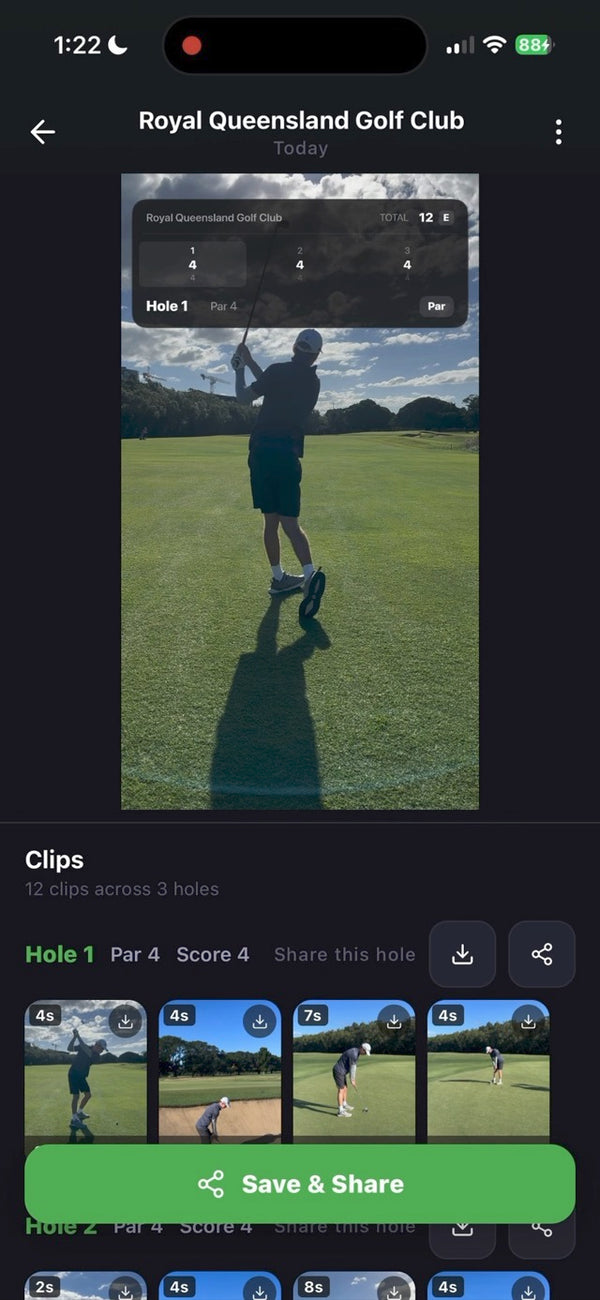
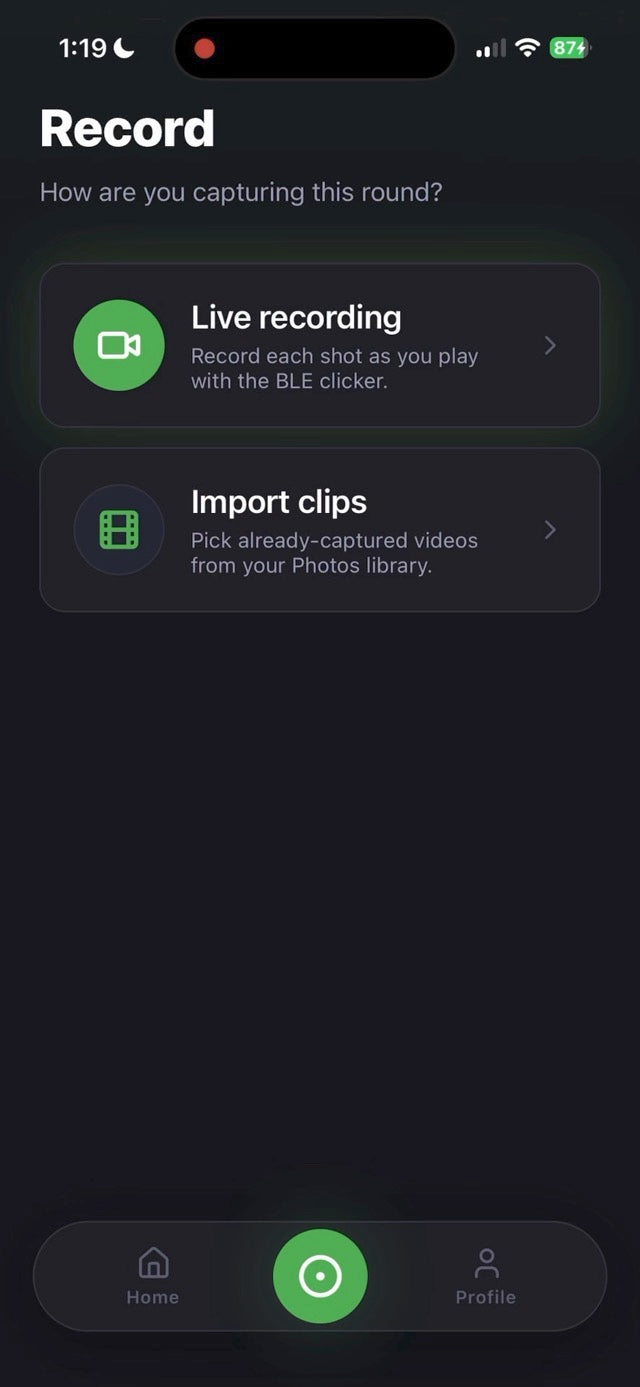
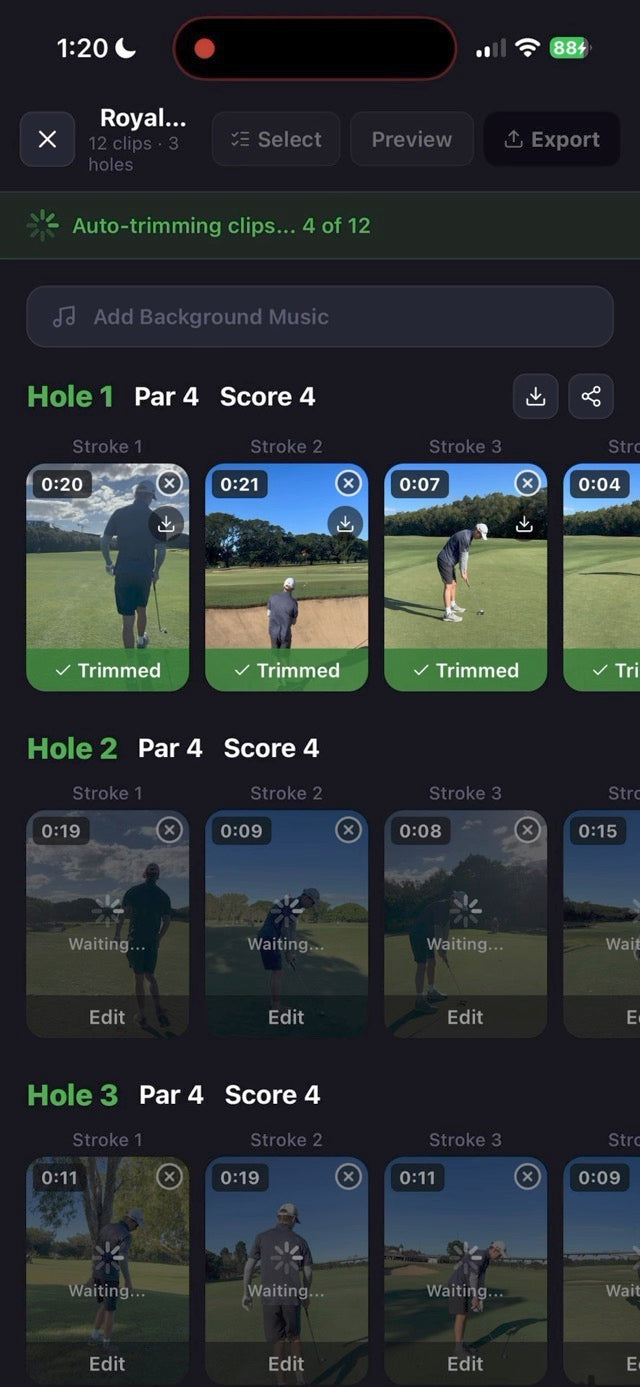
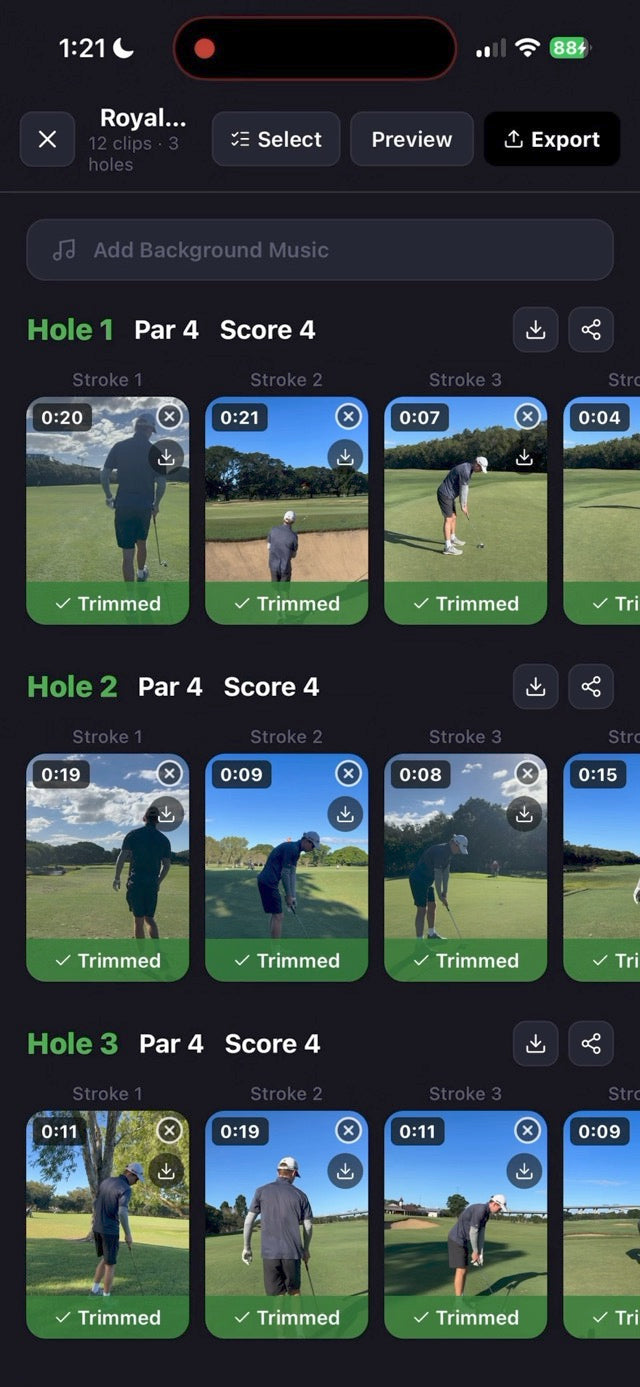
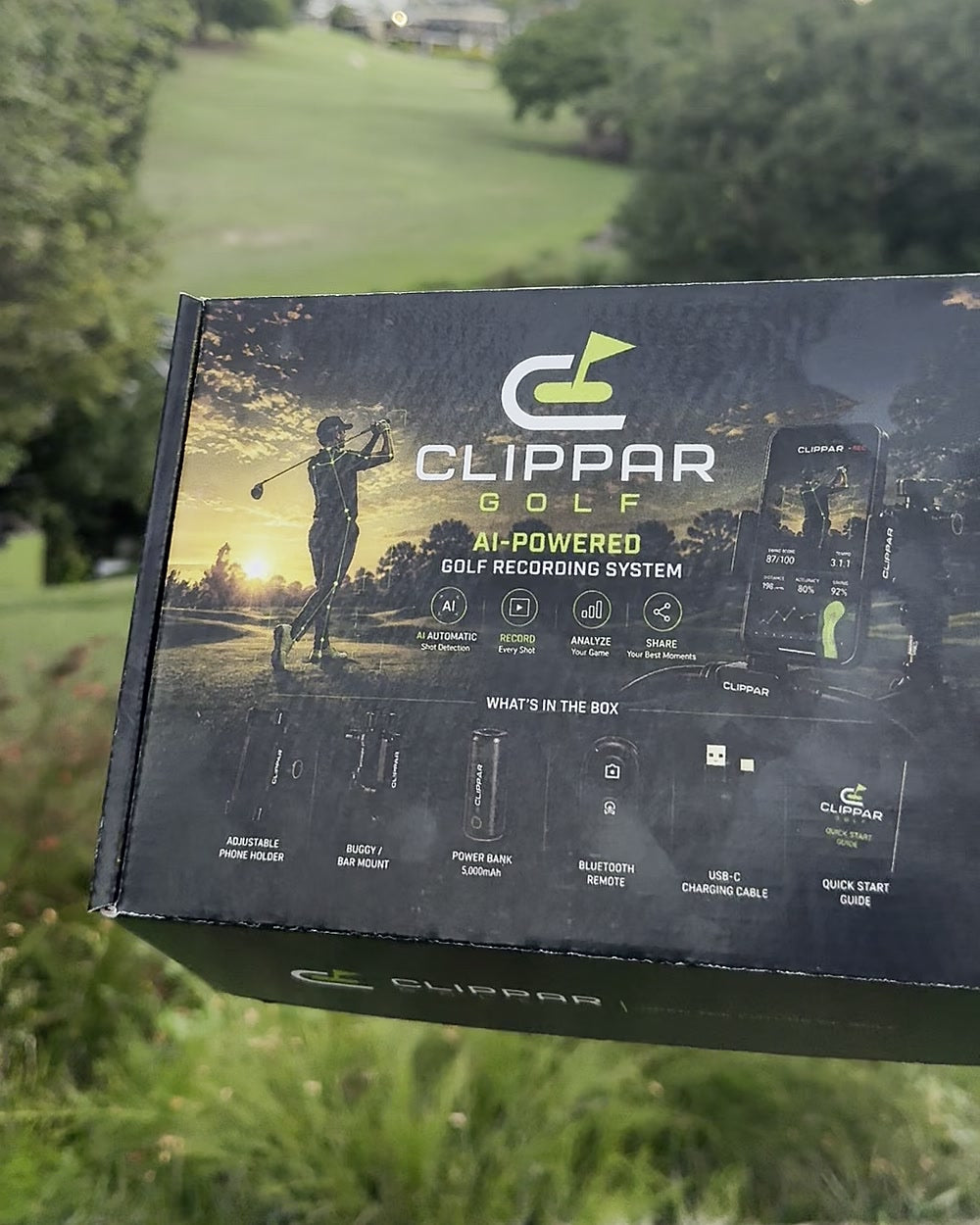
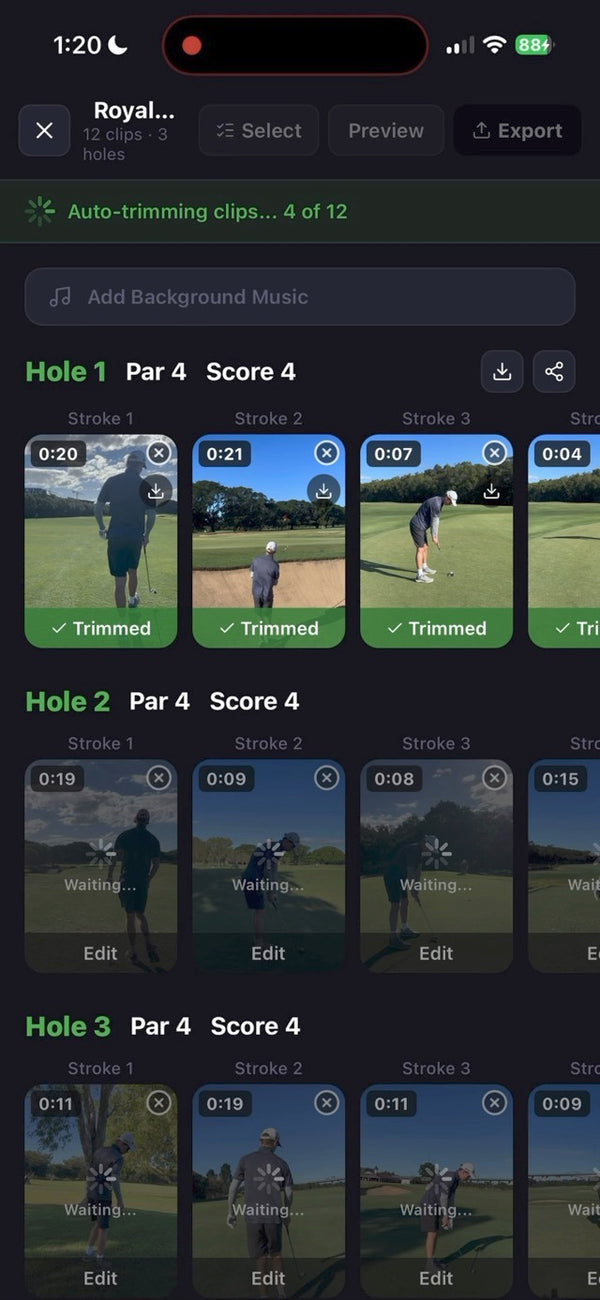
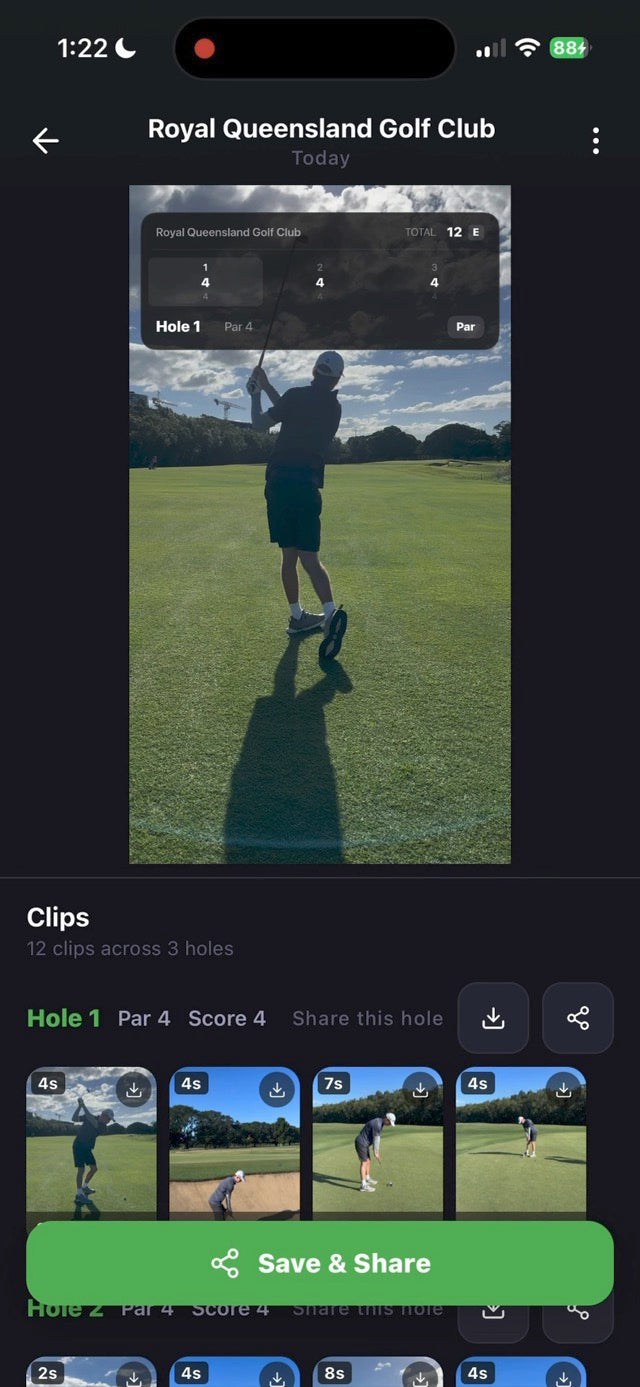
Clippar records your golf from a phone on your bag, trims each clip down to the swing, and builds the round into a highlight reel with your score on it. No editing on the couch afterwards.

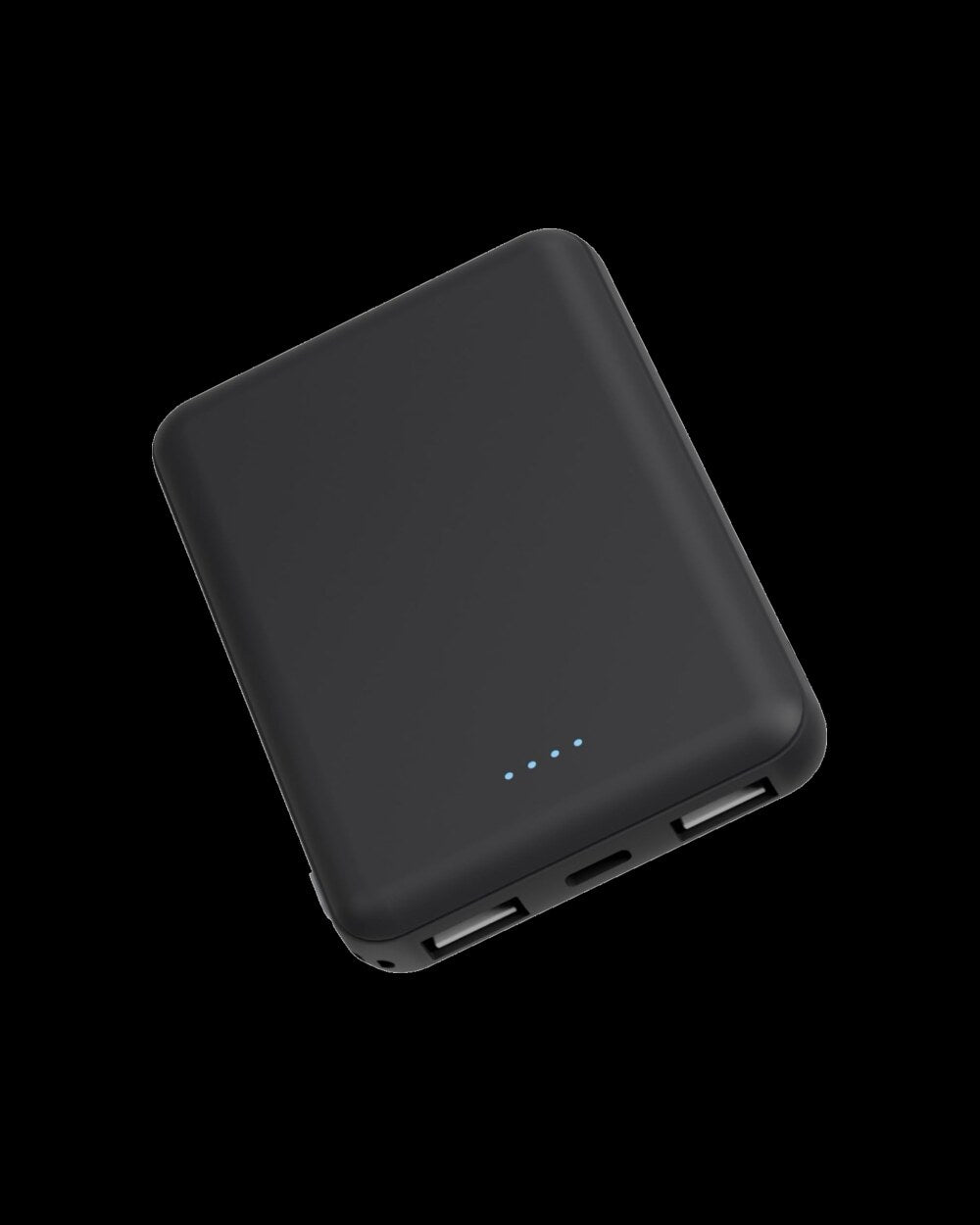
The app does the editing. The kit makes the filming hands-free: phone holder, Bluetooth clicker, badge reel and power bank, with 3 months of Clippar Pro.
After your 3 included months, Clippar Pro is A$14.99/month or A$99.99/year through Apple, and recording needs it. Cancel any time in your Apple ID settings.
Or try the app first: 14 days freeFree standard shipping Australia-wide · Dispatched within 3 business days · iPhone (iOS 15.1+) and Android
Backed by
The editing, done for you
Most golf video apps hand you footage. Clippar hands you the round, cut down to the shots and put in order.


Why nobody watches their golf footage
Leave a camera running for a round and you get four hours of trolley, sky and your own back. Press record for each shot and you spend the round walking to your phone. Ask a mate and you get vertical video of the wrong person.
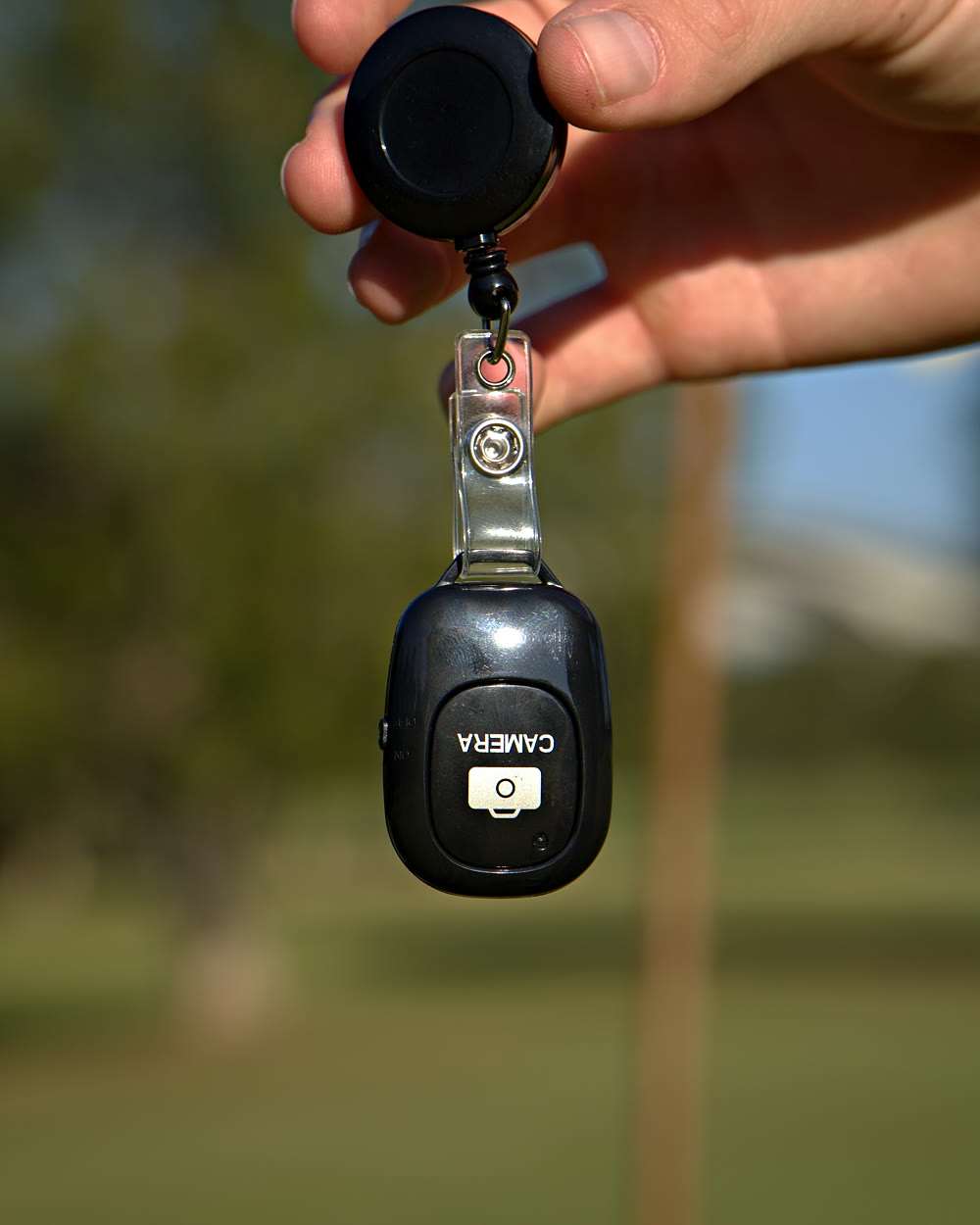
Clippar splits the job in two. A Bluetooth clicker on your belt starts and stops the recording, so only the shots get filmed. Then the app finds the swing in each clip, trims it, traces it when it can pick the ball up, and strings the round together.
Recording a round
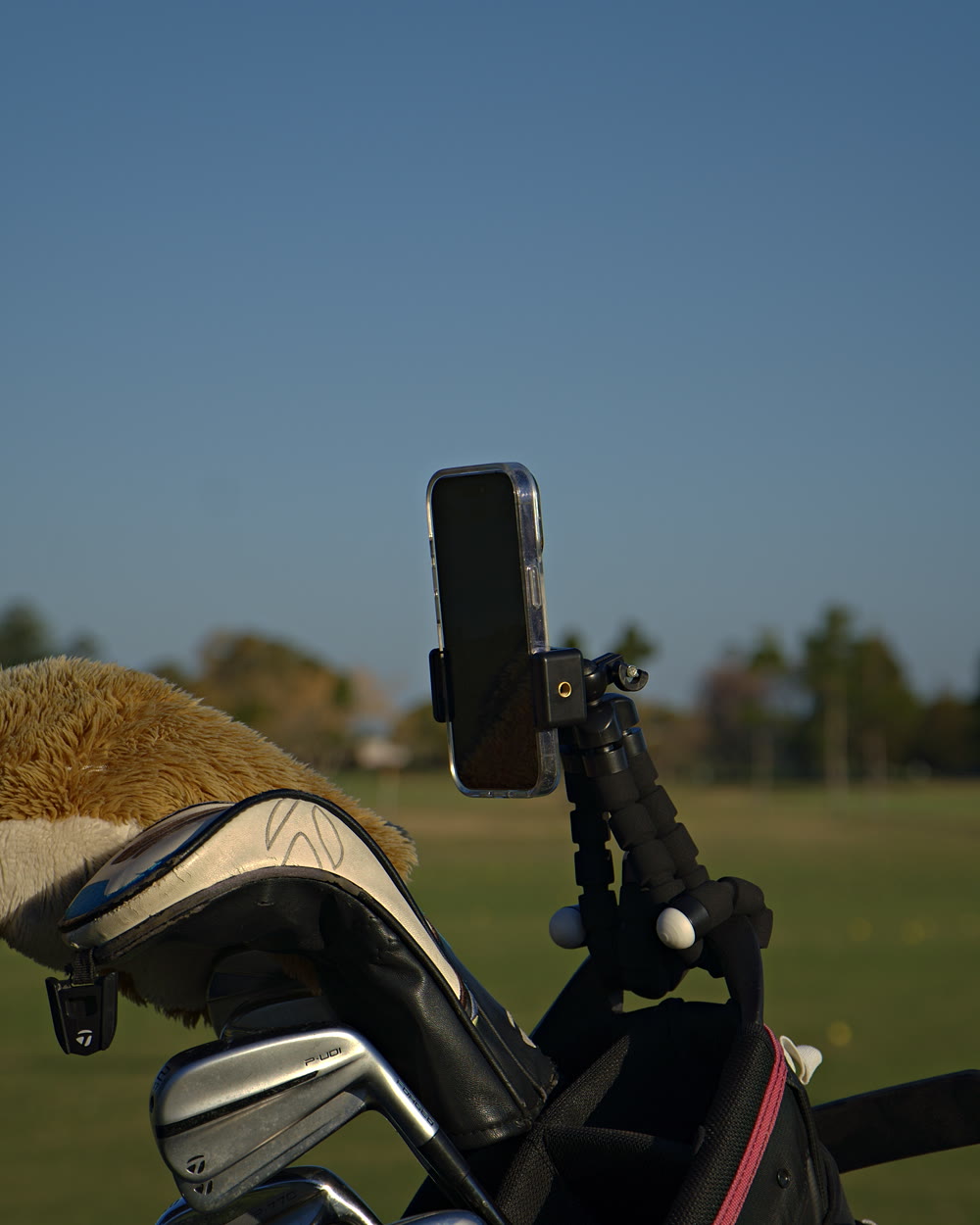
The holder's legs wrap round your bag strap or buggy rail. Frame where you hit from.
Press the clicker before the shot and after. The badge reel keeps it on your belt.
Clippar finds the swing, trims it, draws the flight when it can see the ball and adds your score.
Also in the app
Full swings get a shot tracer when Clippar can pick the ball up. It's part of the reel, not another app to open.
When it can't see the ball, it leaves the shot as filmed, and you can draw the trace by hand.
Hands-free filming
You can prop the phone up yourself. The kit is for when you're sick of doing that.


Included with the kit
The editing is Clippar Pro. The kit pays for your first three months.
Already have your kit? Start here ↗We email a one-time Apple offer code to your order email when the kit is dispatched.
In the app, Profile → Redeem a code, or tap the Apple link in the email.
Apple shows eligibility, the offer end date and the renewal price before you confirm. The subscription renews at the price shown unless you cancel in Apple’s subscription settings.
Golf video app questions
A swing analysis app is for studying one swing. Clippar is for keeping a record of the round: it films hands-free, trims each shot and makes a reel. It doesn't grade your swing or give tips.
Both halves. It records through your iPhone's camera, then does the editing for you: trims, traces when it can pick the ball up, adds your score and builds the reel.
No. Clippar is free to download and works without the kit. Recording needs Clippar Pro, and your first recording starts a 14-day free trial. The kit makes filming hands-free and includes 3 months of Pro.
Yes, and Clippar records only between clicks, so a round comes out as the shots, not four hours. Bring the power bank: filming a round uses battery.
iPhone, running iOS 15.1 or later, and Android phones, from Google Play.
Swing detection runs on your iPhone and no video is sent anywhere for analysis. With Clippar Pro your clips also back up to the cloud, so a round survives a lost or replaced phone.
Depends what you want out of it. For studying one swing frame by frame, a swing analysis app. For a record of the round, cut down to the shots, with the flight traced when it can pick the ball up and your score on the reel, that's Clippar.
Phone on a holder at about hip height, a few metres away, either behind you looking down the target line or side-on. Start recording before you address the ball and stop after the finish. A clicker on your belt means nobody has to hold the phone, and nobody has to walk back to it.
The app edits. The kit films.
Free standard shipping Australia-wide.